Home / Cisco CUBE, CUCM, and Unity Connection / debug ccsip messages
debug ccsip messages
debug ccsip messages displays sent and received SIP. Profile decisions have a separate debug, and the analyzer can test a profile offline.
Learn in 5 minutes
- Read Sent and Received in debug ccsip messages
- Name the profile debug
- Use the analyzer as a dry run
Visual
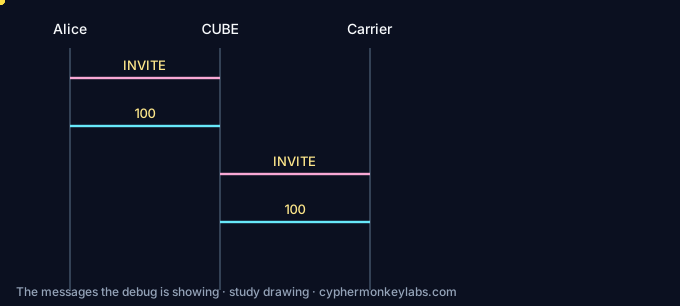
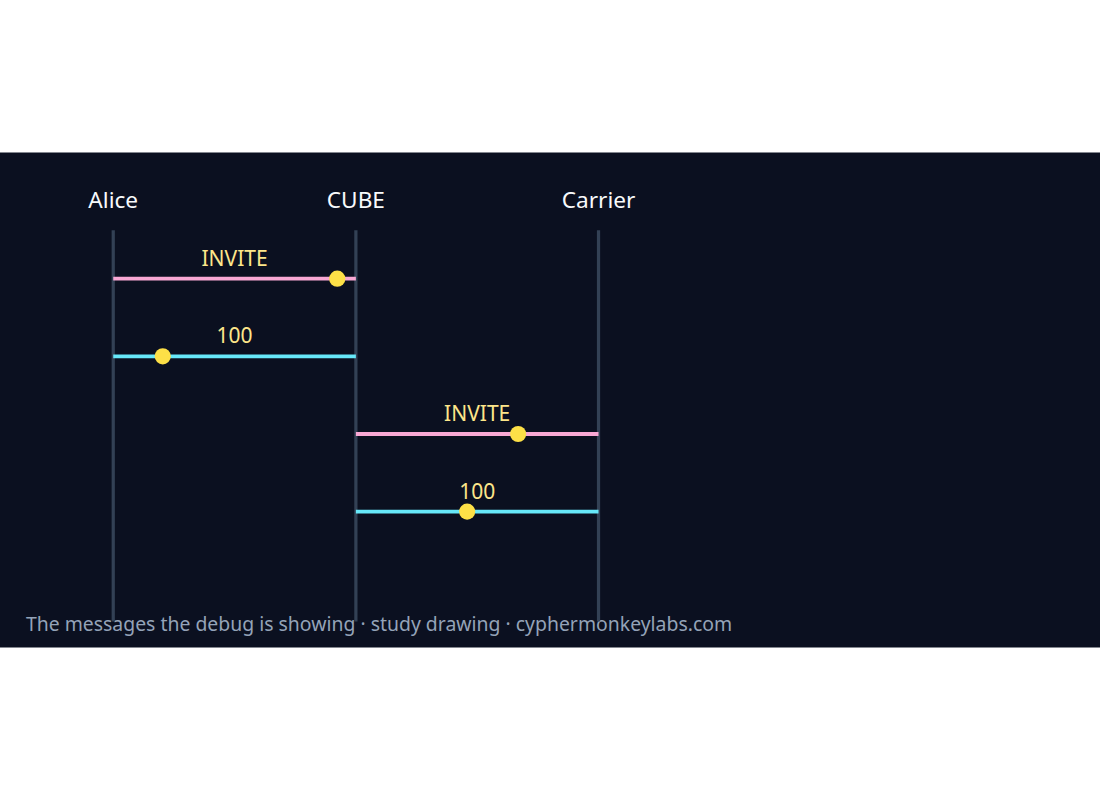
Only debug ccsip messages is turned into the capture lab.
Worked example
Parse a synthetic debug This is synthetic debug ccsip messages output. Separate Received from Sent.
- Find the timestamp prefix.
- Find Received: and Sent:.
- Compare Diversion on the two INVITEs.
Vendor menus, ports, and license names change. Confirm before relying on a sentence that is not an RFC.
Fault
After a remove rule was saved, the sent INVITE in debug ccsip messages still contains Diversion.
Received and Sent both still include Diversion.
Quiz
Ecosystem
Glossary, sister systems, and the integration seam for this room.
Workforce management WFM forecasts volume and builds schedules. It consumes contact-center events. It does not parse Via headers. When a forecast is wrong, the SIP symptom is usually queue delay and 480 or carrier congestion, not a broken dialog ID.
Programmable communications APIs Twilio’s docs home is API reference, tutorials, and integration for Twilio products. Elastic SIP Trunking is the SIP-shaped product already cited in this lab. This page does not define the word CPaaS from an RFC. Read the vendor page before you copy a diagram that uses that word.
Sources and go deeper
- Cisco CUBE basic SIP configuration — last checked 2026-10
- Cisco CUBE SIP profiles (IOS XE 17.6+) — last checked 2026-10
- Cisco Collaboration Solutions Analyzer — last checked 2026-10
- RFC 3261 — last checked 2026-10