Home / Ecosystem, maps, and integration hooks / Configuration and troubleshooting seams
Configuration and troubleshooting seams
Configure the file the project names. Troubleshoot the plane that failed. Do not copy a sample this lab did not print.
Learn in 5 minutes
- Point Asterisk SIP config at pjsip.conf and the dialplan at extensions.conf
- Point a media-proxy problem at rtpengine's README
- Separate a WebSocket handshake failure from a codec failure
Visual
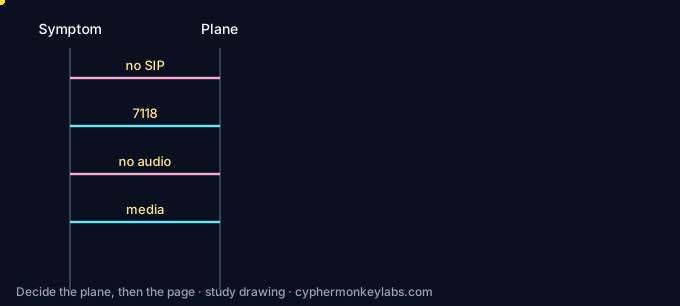
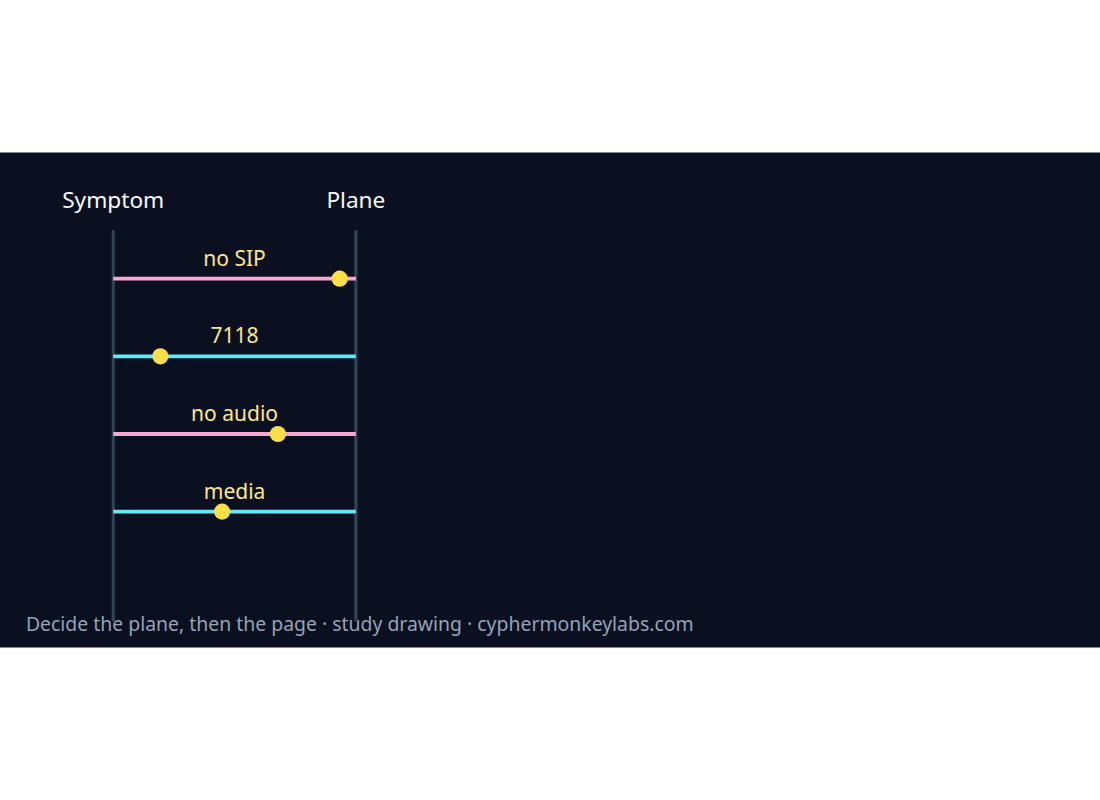
Each row is a page this edition opened. Parameter names that are not on that page are not filled in.
Worked example
Choose the file The endpoint exists. The extension 1000 does not ring. Asterisk is the PBX.
- Name the file that holds the endpoint.
- Name the file that holds the extension.
- Pick the one to open for this symptom.
Fault
The browser shows no WebSocket. The change removes Opus from the PBX.
RFC 7118's handshake happens before SDP.
Quiz
Ecosystem
Glossary, sister systems, and the integration seam for this room.
E911 / emergency calling Location has to ride with the call. RFC 6881 is the BCP, RFC 6442 carries location in SIP, and the FCC MLTS page states Kari’s Law and RAY BAUM’s Act obligations for multi-line systems.
Sources and go deeper
- Asterisk res_pjsip configuration — last checked 2026-10
- FreeSWITCH users manual — last checked 2026-10
- rtpengine README — last checked 2026-10
- RFC 7118 — last checked 2026-10
- RFC 5764 — last checked 2026-10
- RFC 8224 — last checked 2026-10
- Kari's Law Act of 2017, Public Law 115-127 — last checked 2026-10
- RFC 6455 — last checked 2026-10
- RFC 3261 — last checked 2026-10