Contact-center ecosystem · L2 · 20 min
An integration map
Learn in five minutes
- Draw the live path: person, transport, voice session, tool, CRM note.
- Draw a second arrow from the recording to a transcript, then to a rubric. That arrow is analytics.
- Draw a third arrow from the session to a person, with the handoff packet.
- Emergency calling is its own arrow. The FCC page is the source. Do not route it through the model.
- None of these arrows means you configured a vendor today.
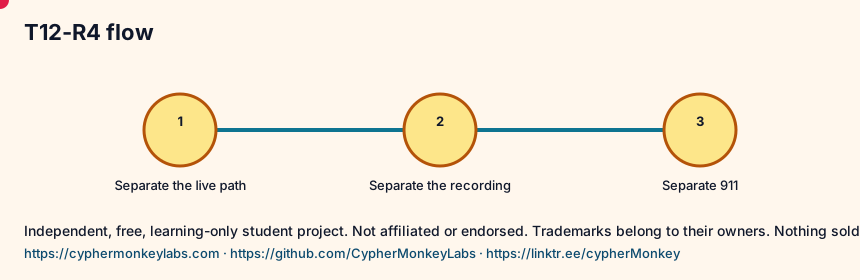
Three arrows and one that must stay separate. If you cannot say which arrow a sentence belongs to, delete the sentence.
Visual
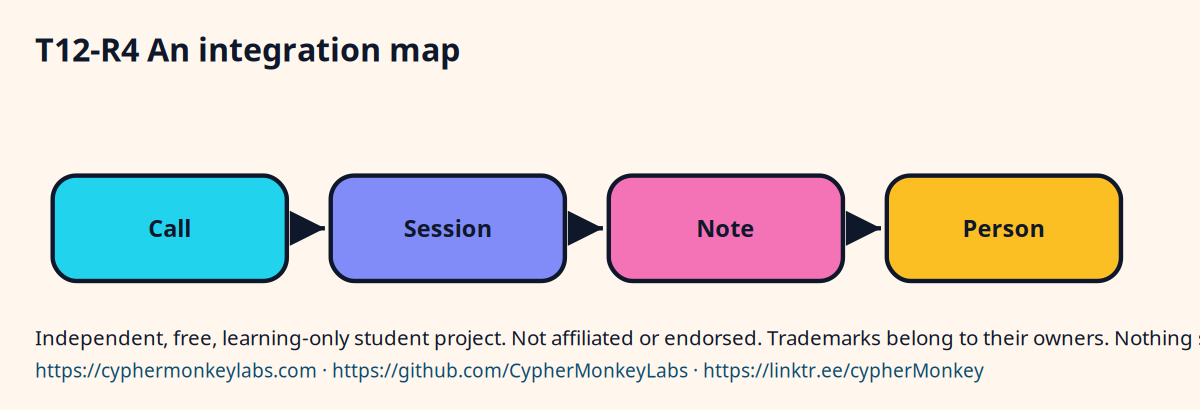
Label every arrow
- Arrow A: live reply.
- Arrow B: recording to transcript to rubric.
- Arrow C: handoff packet to a person.
- Arrow D: 911, not through the model.
- Write 'not configured' under the picture.
Quiz
Ecosystem
- Integration map
- Named arrows between systems. An arrow is not a deployment.
Sisters: Workforce management, Call recording and quality, E911, Analytics, CRM, CPaaS.
The live reply, the recording, the customer record, the roster, and emergency calling are different systems. A bridge names the arrow. It does not merge the boxes.
Pin the page and the date. A hook in the notebook is not a promise this site will build the integration.
Config
- Write the goal in one sentence.
- Name the input and the allowed output.
- Save the trace next to the result.
Troubleshooting
- The answer looks fluent and is wrong. Check whether a source passage actually contains the claim.
- The loop never stops. Set a step cap and stop when the tool result repeats.
Sources and go deeper
- Speech to Speech, docs.x.ai vendor The page title is Speech to Speech. The body names the Grok Speech to Speech API and also calls the site SpaceXSI Docs. last checked 2026-10
- FCC, Multi-line telephone systems: Kari’s Law and RAY BAUM’S Act spec The page says its timeline is not the full rule text. Educational reading, not legal advice. last checked 2026-10
- Customer relationship management — Wikipedia wikipedia last checked 2026-10