Model Context Protocol · L2 · 20 min
Tools, resources, and prompts
Learn in five minutes
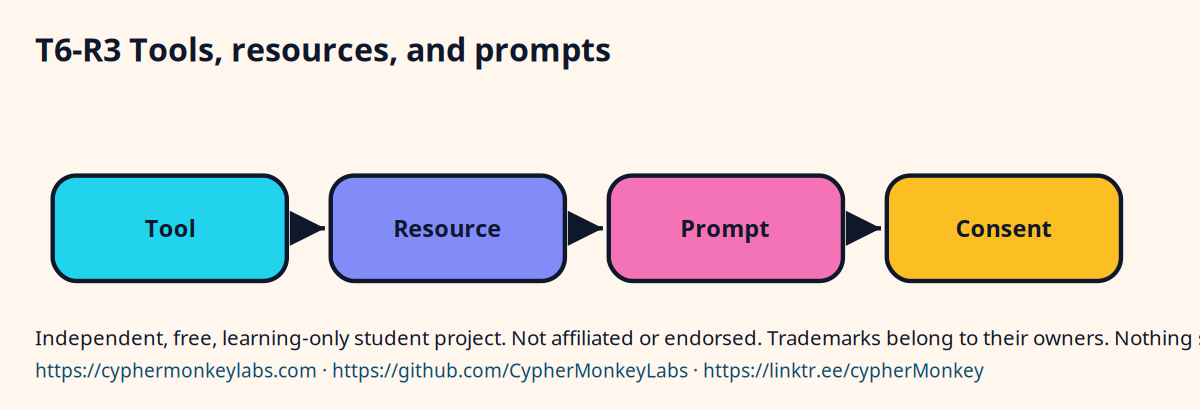
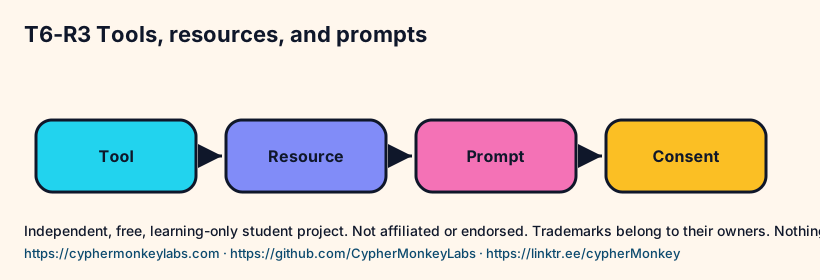
- A tool does something and returns a result.
- A resource is data the server can show, like a note.
- A prompt is a template the server offers.
- Confirm the current spec's exact names before you code.
- Mixing the three in one function makes the consent screen unclear.
Reading a note is a resource. Sending a message is a tool with a side effect. The consent copy should say which one the person is allowing.
Visual
Label three operations
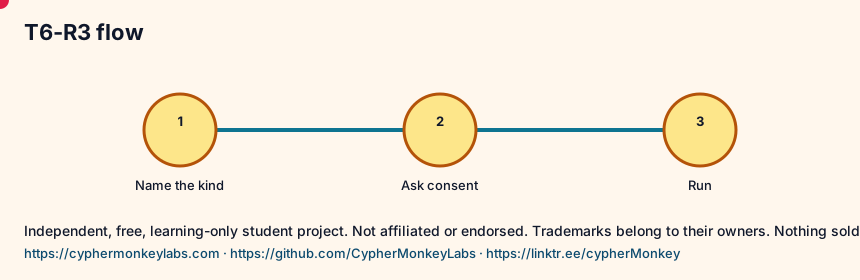
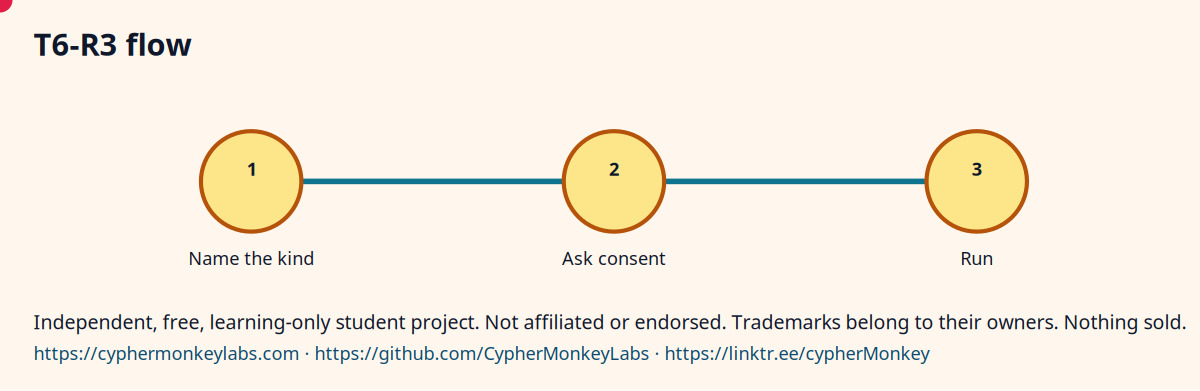
- List notes: resource.
- Read one note: resource.
- Send a summary: tool, because it leaves the machine.
- Write the consent line for the tool only.
Quiz
Ecosystem
- Resource
- Data a server can expose without necessarily changing the outside world.
Sisters: Plugins, Function calling, Language-server ideas.
A notes server can serve chat and a voice host if both speak the same protocol.
Treat the spec revision as something you pin, like a model id.
Config
- Write the goal in one sentence.
- Name the input and the allowed output.
- Save the trace next to the result.
Troubleshooting
- The answer looks fluent and is wrong. Check whether a source passage actually contains the claim.
- The loop never stops. Set a step cap and stop when the tool result repeats.
Sources and go deeper
- Model Context Protocol specification, 2025-06-18 spec last checked 2026-10
- What is the Model Context Protocol (MCP)? spec last checked 2026-10
- Model Context Protocol organization on GitHub community last checked 2026-10
- Model Context Protocol — Wikipedia wikipedia last checked 2026-10