Voice AI agent stack · L2 · 20 min
LiveKit Agents and Pipecat
Learn in five minutes
- LiveKit's pipeline page shows an AgentSession that takes speech-to-text, a language model, and text-to-speech.
- Pipecat's overview calls Pipecat an open source Python framework that orchestrates services, transports, and audio.
- Pipecat's pipeline page shows transport input, speech-to-text, a user context aggregator, the language model, text-to-speech, transport output, then an assistant aggregator.
- That page says processors push frames along, and it lists InterruptionFrame as a system frame.
- Reading either page is not a deployment you completed.
Both are orchestrators in their own docs. The model is still a box you configure. This lab does not install either framework.
Visual
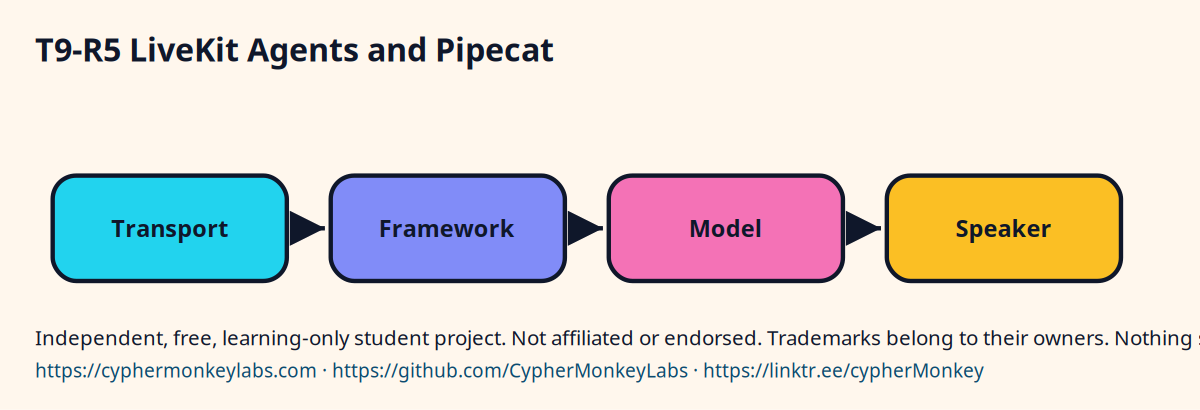
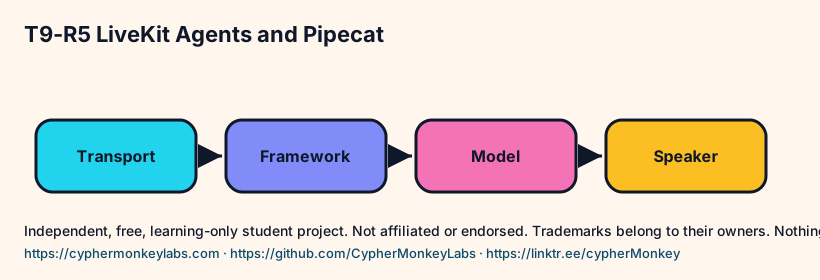
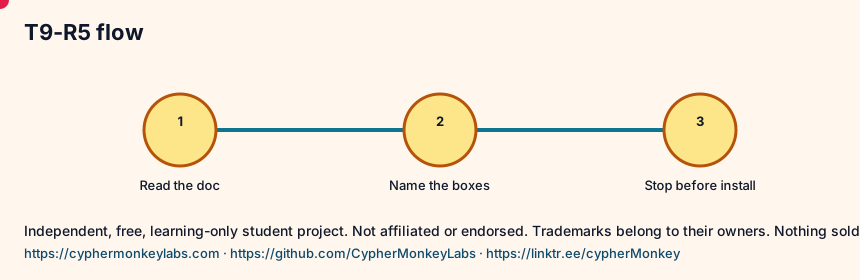
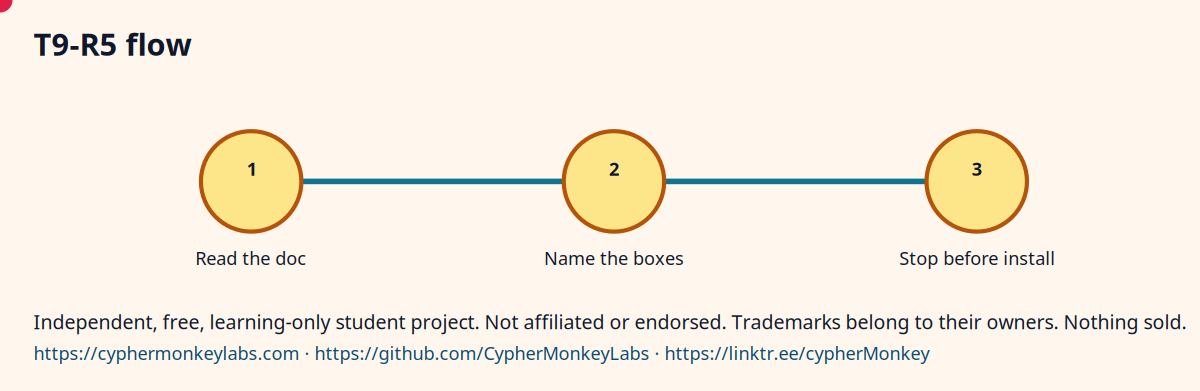
Two orchestrators on paper
- Write LiveKit's three arguments: stt, llm, tts.
- Write Pipecat's processor order from the pipeline page.
- Circle the transport in Pipecat's list. That is the audio's door.
- Do not run an install command in this room.
Quiz
Ecosystem
- Orchestrator
- The framework that orders the stages. It is not itself the language model.
Sisters: Speech-to-text, Language model, Text-to-speech, WebRTC, SIP.
A cascaded pipeline and a speech-to-speech model are two shapes the LiveKit docs name. The xAI Speech to Speech API is a hosted speech-to-speech session.
Pin the model id, the voice, and the date you read the docs.
Config
- Write the goal in one sentence.
- Name the input and the allowed output.
- Save the trace next to the result.
Troubleshooting
- The answer looks fluent and is wrong. Check whether a source passage actually contains the claim.
- The loop never stops. Set a step cap and stop when the tool result repeats.
Sources and go deeper
- LiveKit Agents, Pipeline types vendor last checked 2026-10
- Pipecat open source framework vendor last checked 2026-10
- Pipecat, Pipeline and frame processing vendor last checked 2026-10