Home / Oracle, Ribbon, and AudioCodes / Header rules run in order
Header rules run in order
Oracle HMR header rules run in configured order. The 10.1 fundamentals page names add, delete, manipulate, store, and reject.
Learn in 5 minutes
- Put header rules in configured order
- Name the documented actions
- Leave the reject status code in the release guide
Visual
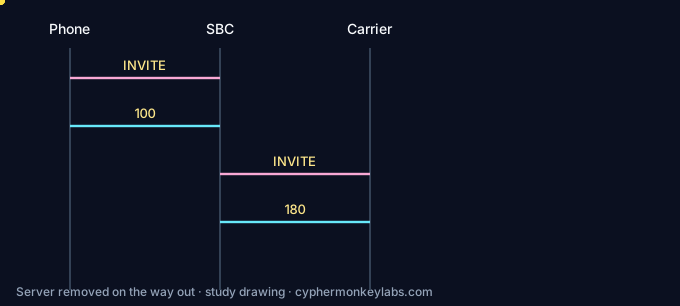
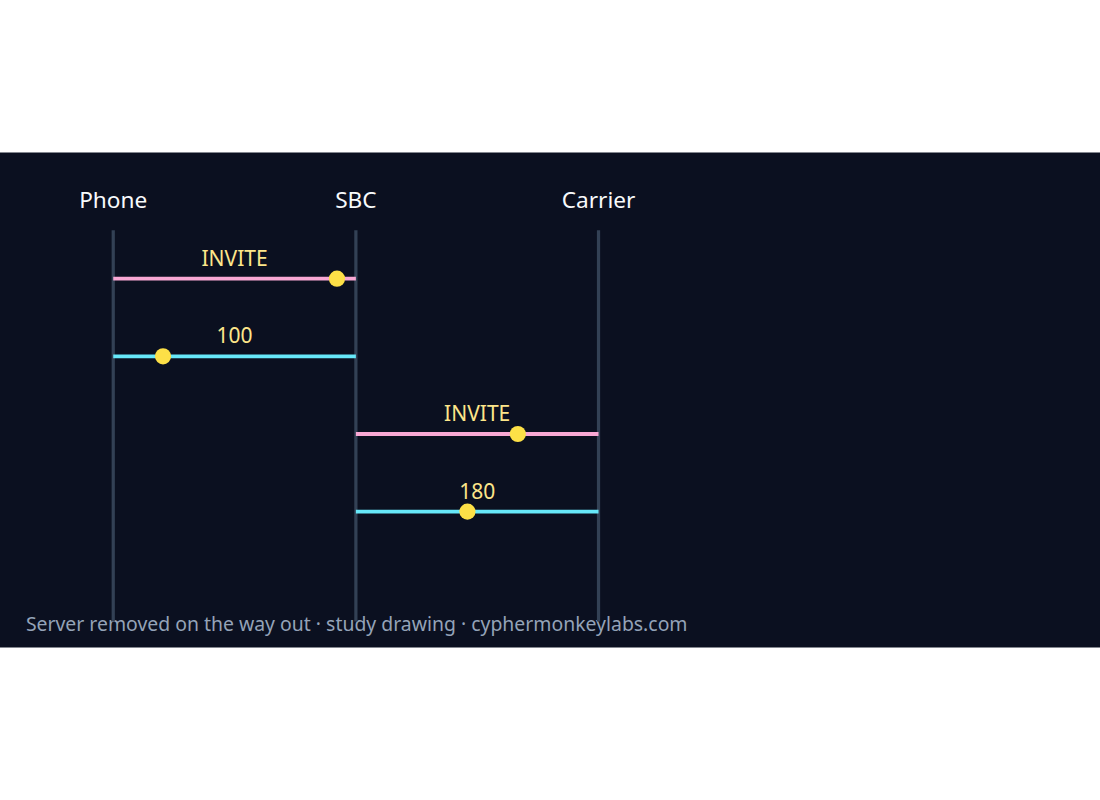
A later rule sees the message earlier rules produced.
Worked example
Delete Server Run this Acme header-rule subset against the INVITE. Server should disappear.
- Read header-name and action.
- Run the rule.
- Confirm Server is gone.
Vendor menus, ports, and license names change. Confirm before relying on a sentence that is not an RFC.
Fault
A later rule that stores Server records an empty result. The delete rule is configured first.
Header rules run in configured order.
Quiz
Ecosystem
Glossary, sister systems, and the integration seam for this room.
Quality management and recording QM scores interactions. The standardized way an SBC forks a session to a recorder is SIPREC.
Sources and go deeper
- Oracle SBC HMR fundamentals (10.1) — last checked 2026-10
- Oracle SBC HMR configuration (10.1) — last checked 2026-10