T7 · T7-R02
Dual-run and rollback
Learn it in 5 minutes
- Move one number you can give back.
- Keep the old route until the new path passes a scripted test.
- Rollback is a planned route, not a hope.
- Porting a carrier number is slower than changing a lab route.
- Evidence is a call, a ladder, and a user check.
Visual
What is going on
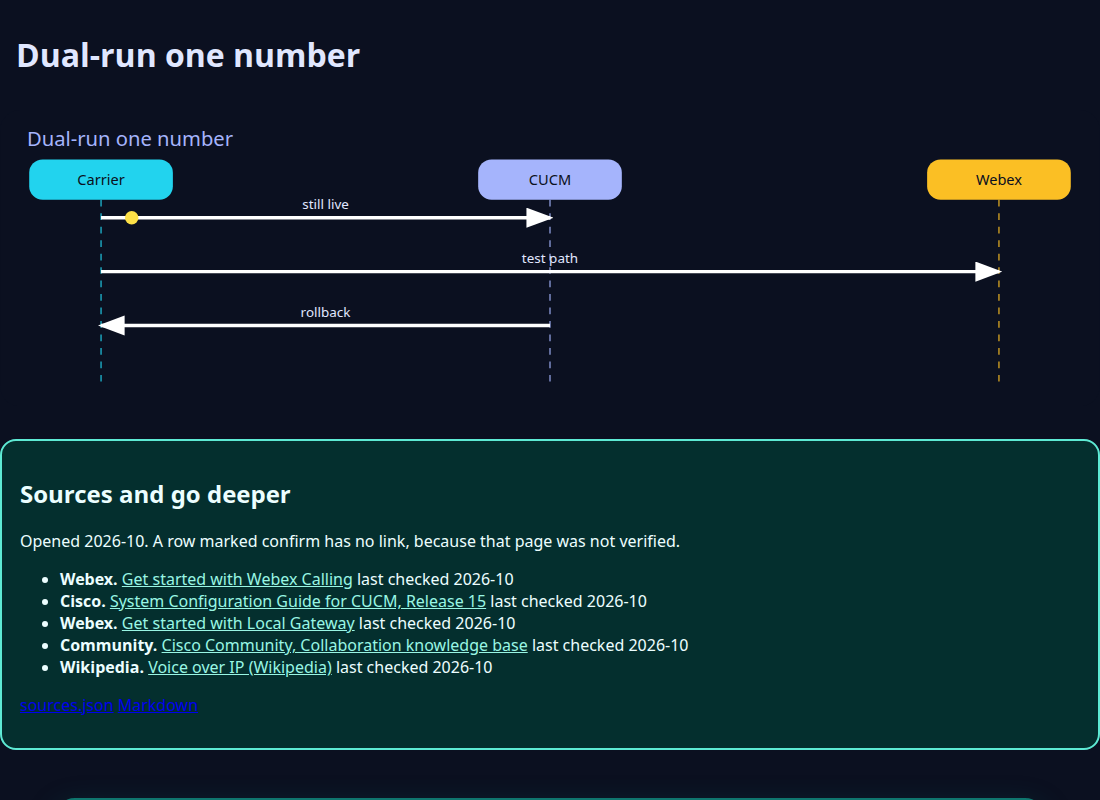
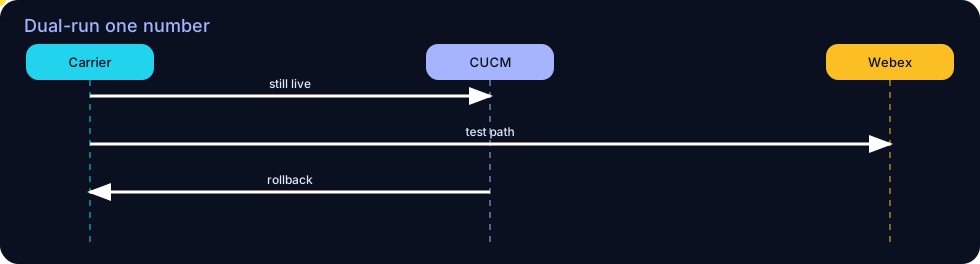
Dual-run means the same business number can still be delivered the old way while you prove the new way, or that you can return it quickly. Carrier ports do not always allow an instant return. Say which kind of move you are doing before the night of the change.
Confirm before relying. Confirm porting lead times with the carrier. This lab does not know your contract.
Worked example
A DID is translated to Webex Calling for a day, with the CUCM translation pattern saved. The test call fails caller ID. You put the old translation back and attach both INVITEs to the ticket. That is a rollback, not a defeat.
Quiz
1. A carrier port can always be undone in five minutes.
False. Confirm the porting rules.
Ecosystem
Sister pieces sit on the ecosystem page: the glossary, the mind map, the integration map, and the sibling labs.
- Dual-run — Old and new paths both available for a number during a test.
- Rollback — Returning the number to the path you saved.
Config. Save the route pattern or translation before you edit it.
Troubleshooting. If you cannot name the old route, you cannot roll back.
Bridge. CUBE dial peers and CUCM patterns both need a saved copy.
Mind map, sister technologies, and future hooks live on the ecosystem page.
Sources
Product screens move. Confirm the guide for your release before you change a live system.
Sources and go deeper
Opened 2026-10. A row marked confirm has no link, because that page was not verified.
- Webex. Get started with Webex Calling last checked 2026-10
- Cisco. System Configuration Guide for CUCM, Release 15 last checked 2026-10
- Webex. Get started with Local Gateway last checked 2026-10
- Community. Cisco Community, Collaboration knowledge base last checked 2026-10
- Wikipedia. Voice over IP (Wikipedia) last checked 2026-10