Learn it in 5 minutes
HTMLAbout five minutes of reading
You do not memorize fifty icons. You group them by the job they do.
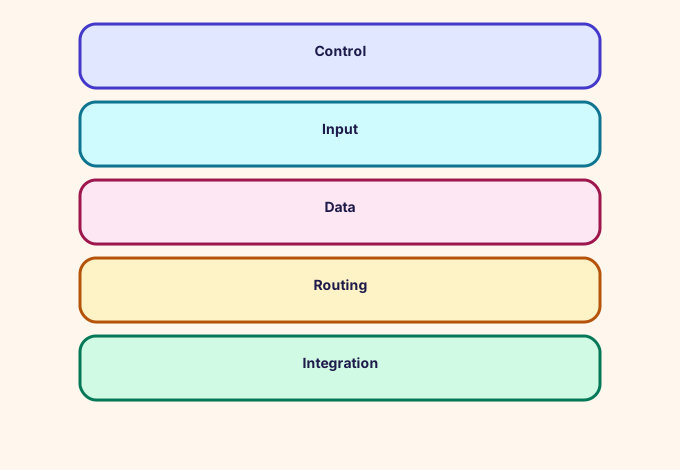
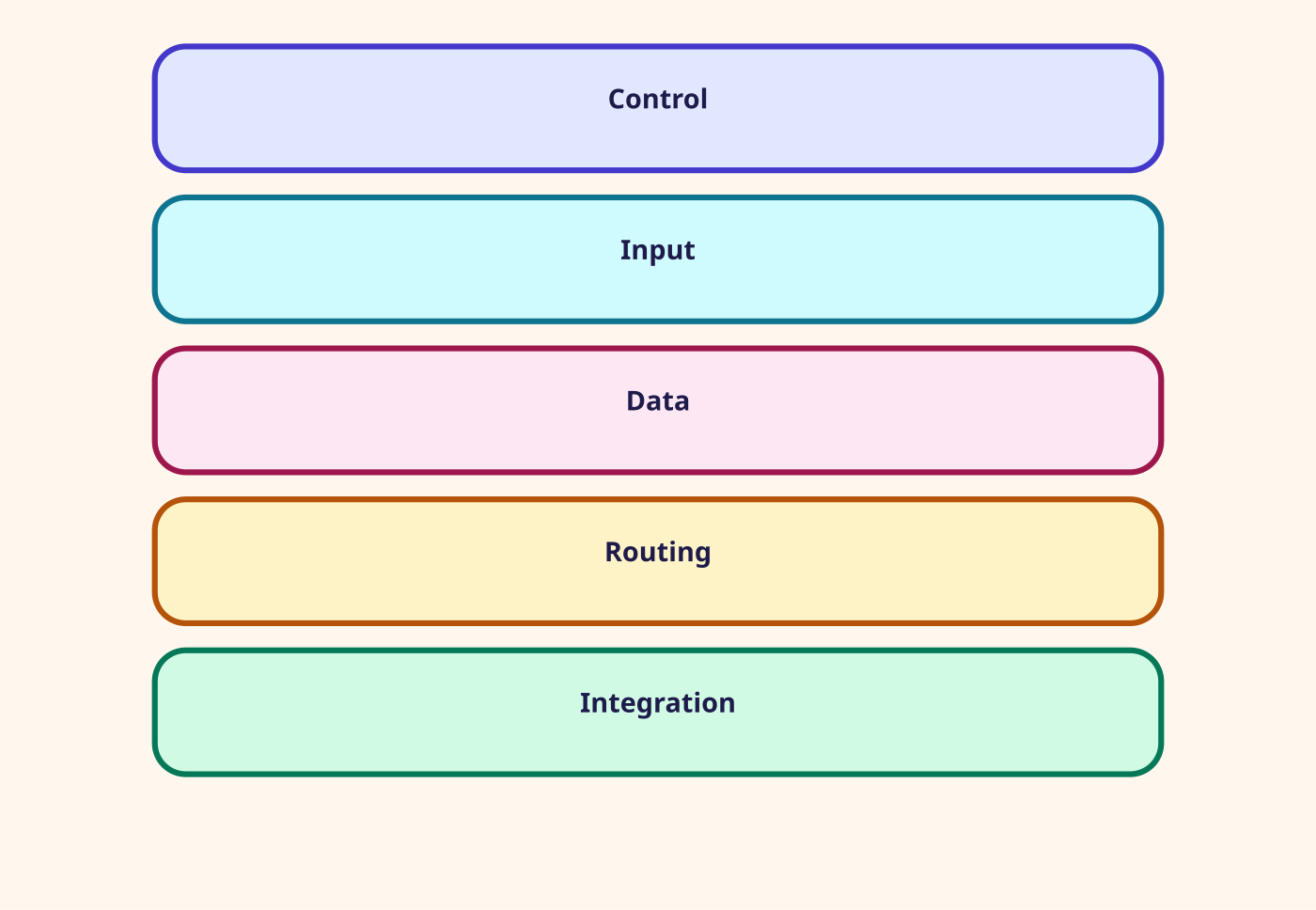
Control blocks move the contact: Play prompt, Get customer input, Distribute by percentage, Loop, Wait, Transfer to flow, End flow, Disconnect. Data blocks read and write attributes, metrics, profiles, cases, and data tables. Routing blocks set the queue, the criteria, the priority, and then transfer.
Integration blocks call Lambda, Lex through Get customer input, a module, an external tool, or an AI agents domain. The full list in the designer is the source of truth. This campus includes every block from that list in the lab palette and the glossary.
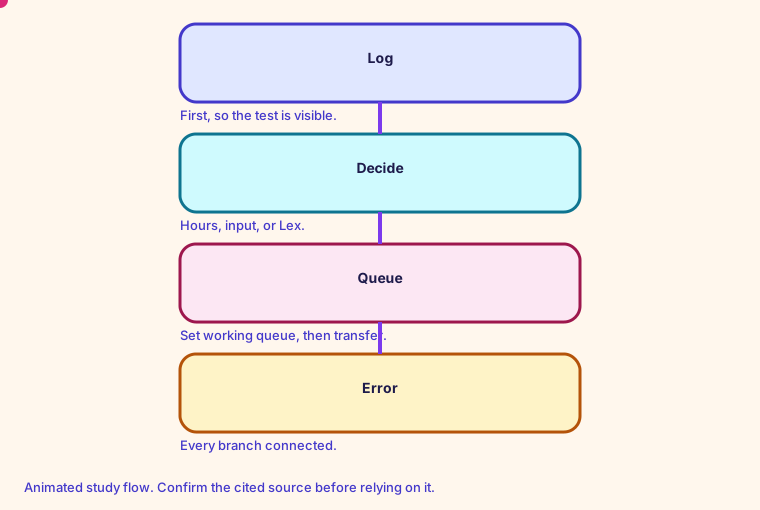
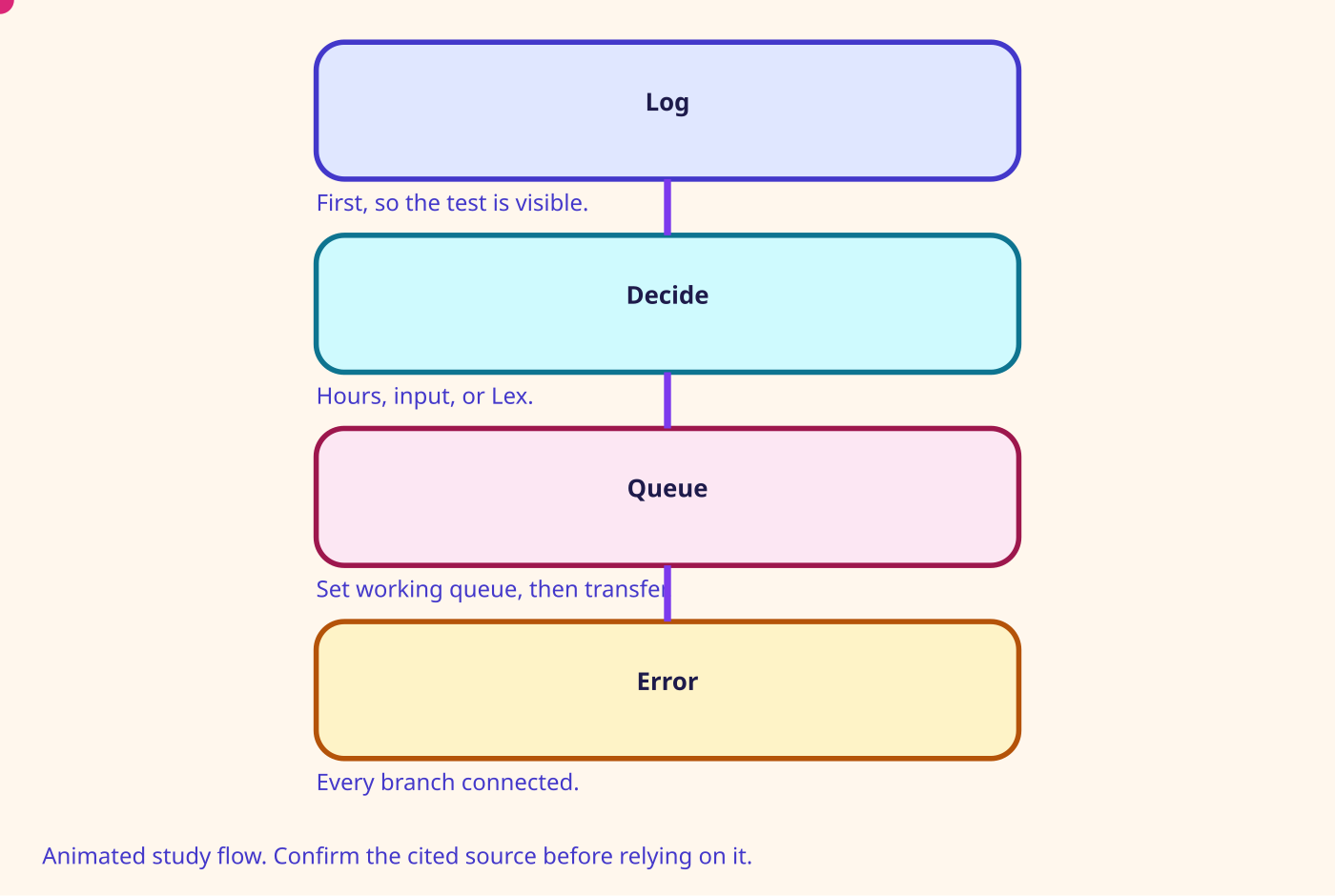
- Check hours, Check queue status, Check staffing, and Get metrics are how a flow refuses work it cannot staff.
- Set logging and Set recording are how you can prove what happened.
- Show view is the step-by-step guide.
- Agentic CX and Connect assistant are the 2026 AI entry points. Voice ID blocks remain on the list and should not be added. Support ended 20 May 2026.
Number on this page: Blocks 50+. See the designer list and the lab palette
Glossary
- Contact flow The visual program a contact runs. The JSON form is the flow language.
- Flow module A published, reusable piece of a flow. Invoke module runs it. Return ends it. Default quota is 200 modules.
- Contact attribute A string key and value stored on the contact. Lambda, Lex, and Set contact attributes write them. Screen pop reads them.
- Customer queue flow The interruptible flow that runs while the customer waits, before an agent joins.
Mind map
Open the Contact flows mind map
Sister technologies
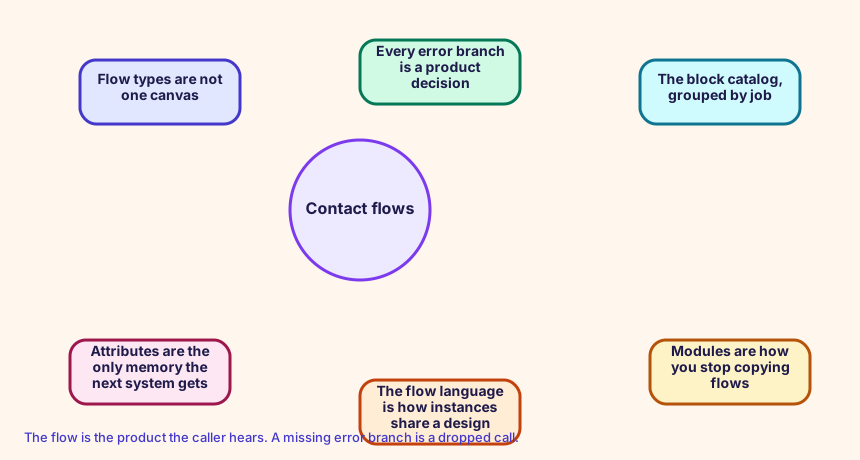
The flow is the product the caller hears. A missing error branch is a dropped call.
Config and troubleshooting
Using a block because it is visible, including Voice ID.
AWS::Connect::ContactFlow stores the flow-language document in Content. Type CONTACT_FLOW is the inbound flow. Build the JSON in the flow lab, then paste it here.
AWS::Connect::ContactFlow Flow language
CloudFormation study snippet
Resources:
  OrderStatus:
    Type: AWS::Connect::ContactFlow
    Properties:
      InstanceArn: !GetAtt CampusInstance.Arn
      Name: OrderStatus
      Type: CONTACT_FLOW
      Content: '{"Version":"2019-10-30","StartAction":"a1","Actions":[{"Identifier":"a1","Type":"MessageParticipant","Parameters":{"Text":"Thanks for calling."},"Transitions":{"NextAction":"a2","Errors":[],"Conditions":[]}},{"Identifier":"a2","Type":"DisconnectParticipant","Parameters":{},"Transitions":{}}]}'
Integration map
Join records on ContactId. The integration map room lists the seams.
Cross-platform bridges
A CUCM calling search space is not a routing profile, but the profile is the closest idea of 'who can receive what'. A partition is not a Connect object. A UCCX CSQ and a UCCE skill group map to a queue. Precision steps map to routing criteria. A script, an Architect flow, and an Avaya vector map to a contact flow.
Open the mapping room
Future hooks
Hooks you can adopt later: EventBridge contact events, the CTR stream, agent events, Kinesis Video, Customer Profiles events, Cases, Show view, data tables, External Tool, and the flow language JSON in your pipeline. Live Sync and Agentic CX are the 2026 hooks for guided and agentic experiences.