Learn it in 5 minutes
HTMLAbout five minutes of reading
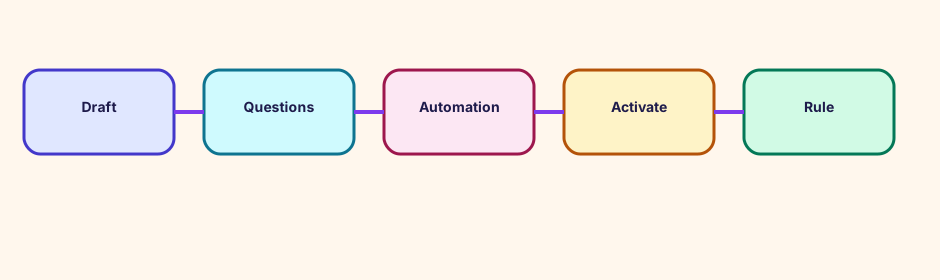
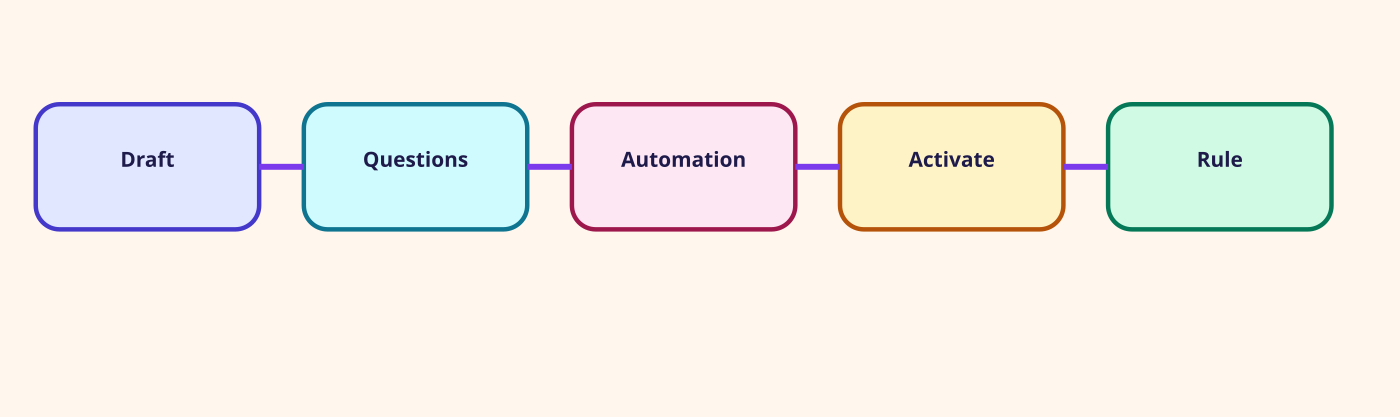
A form can be filled by a person, by a category, or by a model. Activation is still your step.
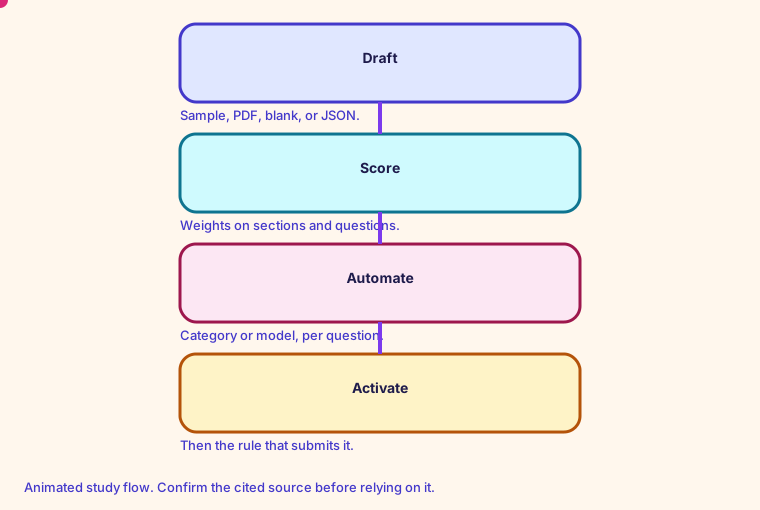
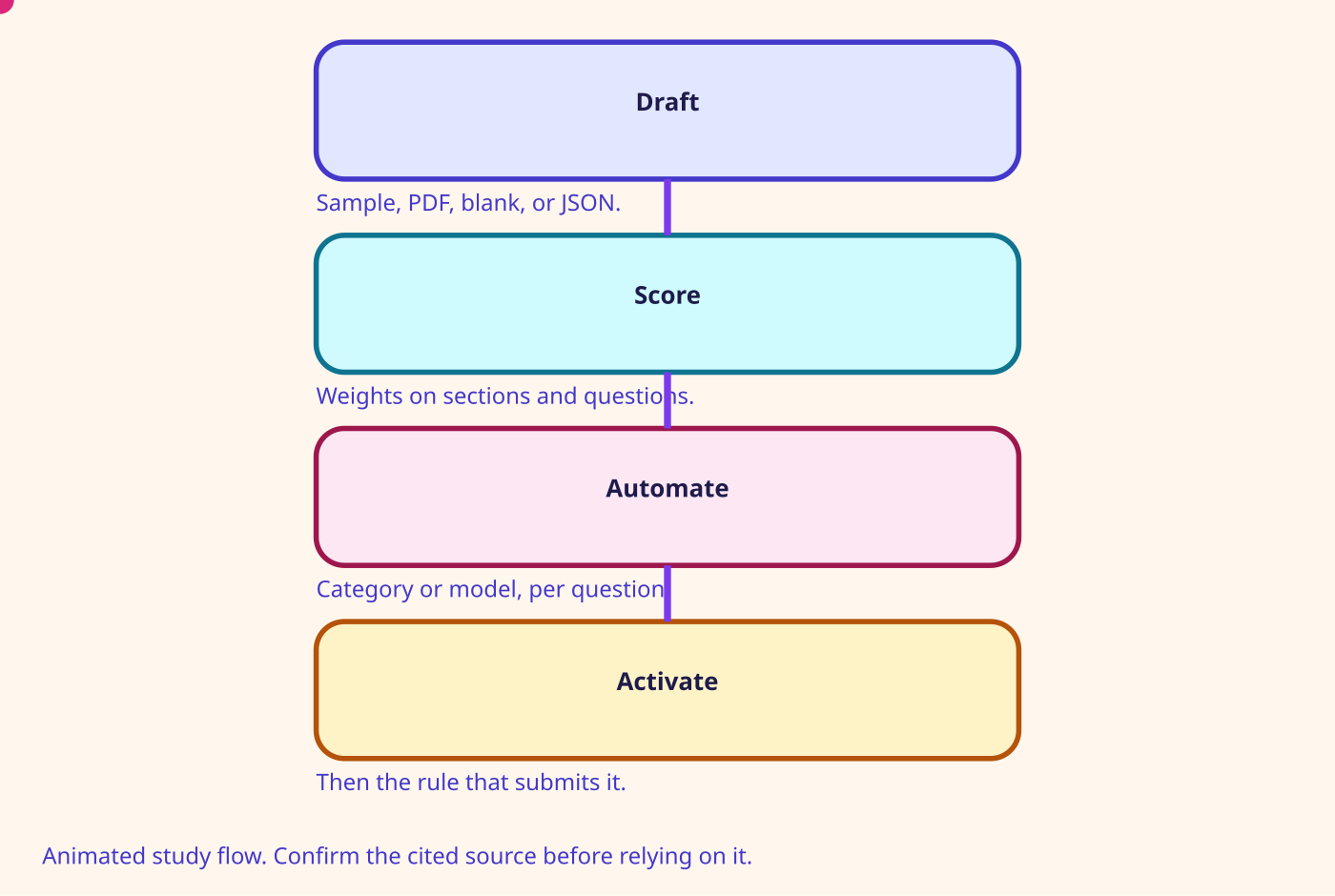
You can create a form from a sample, from a PDF of at most 2 MB, from a blank form, or from JSON exported by another instance. The create permission named on the page is Analytics and Optimization - Evaluation forms - manage form definitions - Create. Sections and questions can carry weights.
Automation can answer questions from contact categories or from a model that reads the question title, the instructions, and the transcript. Fully automated submission has to be turned on before you activate the form. Activation then asks you to create a rule that chooses which contacts get that form.
- Sample forms cover agent-handled and self-service interactions.
- The page names five outcome metrics on sample forms: customer satisfaction, churn propensity, successful sale, and full or partial self-service success.
- A PDF import comes back as a draft, typically within one minute, for you to review.
- You can save a draft and leave. Activation is a later step, after preview and validation.
Number on this page: PDF 2 MB. Maximum file when importing a form
Glossary
- Conversational analytics The 4 Aug 2026 name for Contact Lens: transcripts, sentiment, redaction, summaries, and categories.
- Contact Lens The former name of conversational analytics. The product page says the function remains.
- Real-time analytics Rules on a live contact, announced 1 Dec 2020. Default quota is 300 concurrent real-time analytics calls.
- Post-contact summary A generated summary after the contact. Preview 28 Nov 2023, generally available 25 Mar 2024.
Mind map
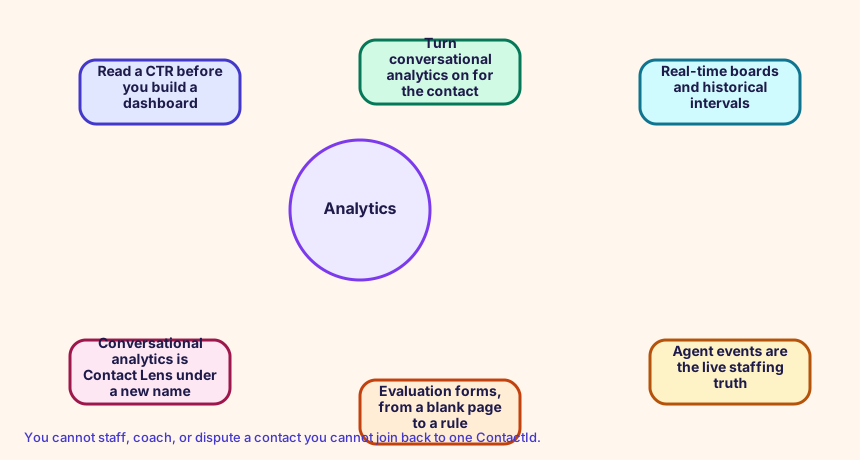
Open the Analytics mind map
Sister technologies
You cannot staff, coach, or dispute a contact you cannot join back to one ContactId.
Config and troubleshooting
Activating a form and expecting every answer to fill itself before automation is on for each question.
Contact trace records leave the instance through AWS::Connect::InstanceStorageConfig. ResourceType CONTACT_TRACE_RECORDS and StorageType KINESIS_STREAM is the fan-out path. Contact Lens is an instance attribute plus the recording and analytics block in the flow.
InstanceStorageConfig CfnInstance
CloudFormation study snippet
Resources:
  CtrStream:
    Type: AWS::Connect::InstanceStorageConfig
    Properties:
      InstanceArn: !GetAtt CampusInstance.Arn
      ResourceType: CONTACT_TRACE_RECORDS
      StorageType: KINESIS_STREAM
      KinesisStreamConfig:
        StreamArn: !GetAtt ContactStream.Arn
Integration map
Join records on ContactId. The integration map room lists the seams.
Cross-platform bridges
A CUCM calling search space is not a routing profile, but the profile is the closest idea of 'who can receive what'. A partition is not a Connect object. A UCCX CSQ and a UCCE skill group map to a queue. Precision steps map to routing criteria. A script, an Architect flow, and an Avaya vector map to a contact flow.
Open the mapping room
Future hooks
Hooks you can adopt later: EventBridge contact events, the CTR stream, agent events, Kinesis Video, Customer Profiles events, Cases, Show view, data tables, External Tool, and the flow language JSON in your pipeline. Live Sync and Agentic CX are the 2026 hooks for guided and agentic experiences.