Learn it in 5 minutes
HTMLAbout five minutes of reading
A proficiency chooses among agents who already have the queue. It does not replace the queue.
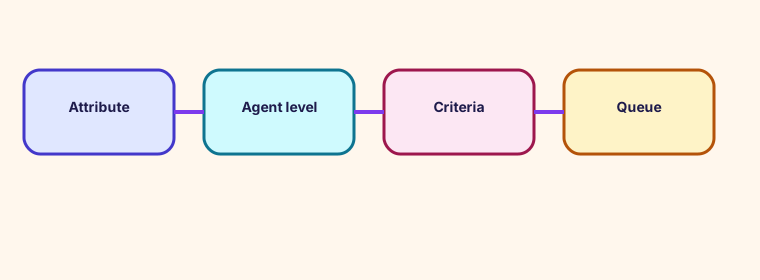
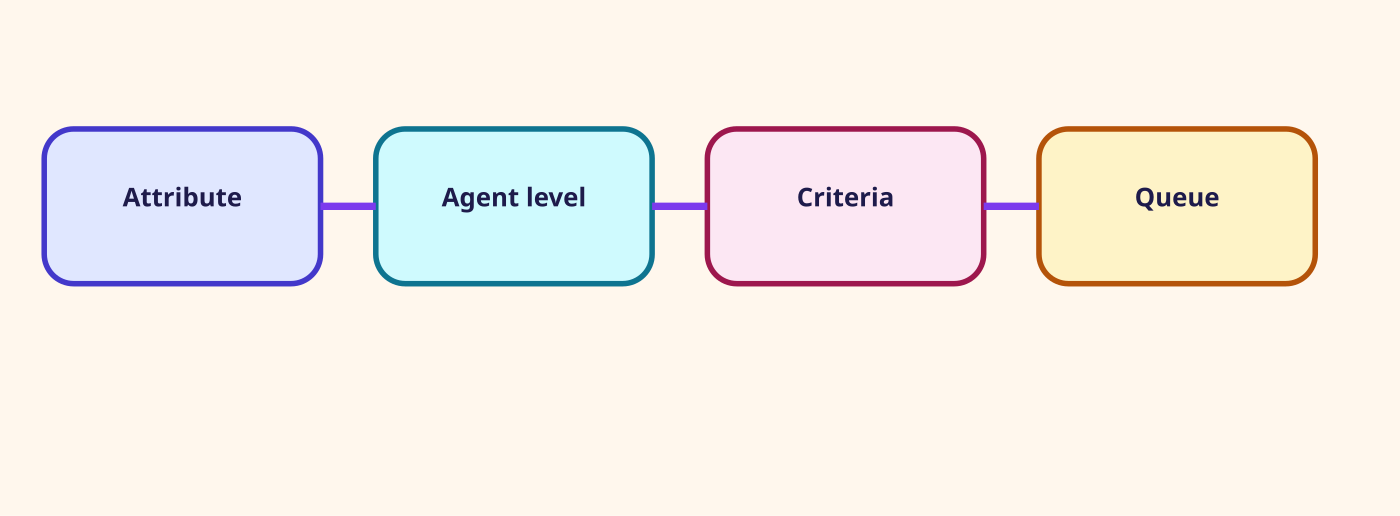
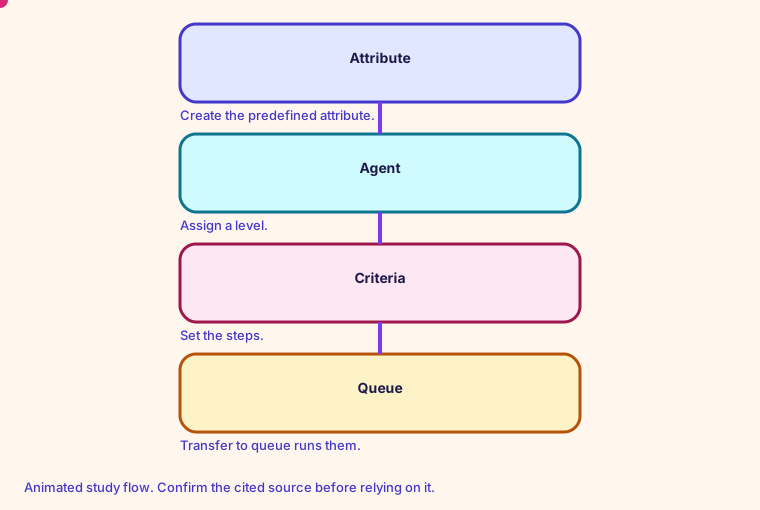
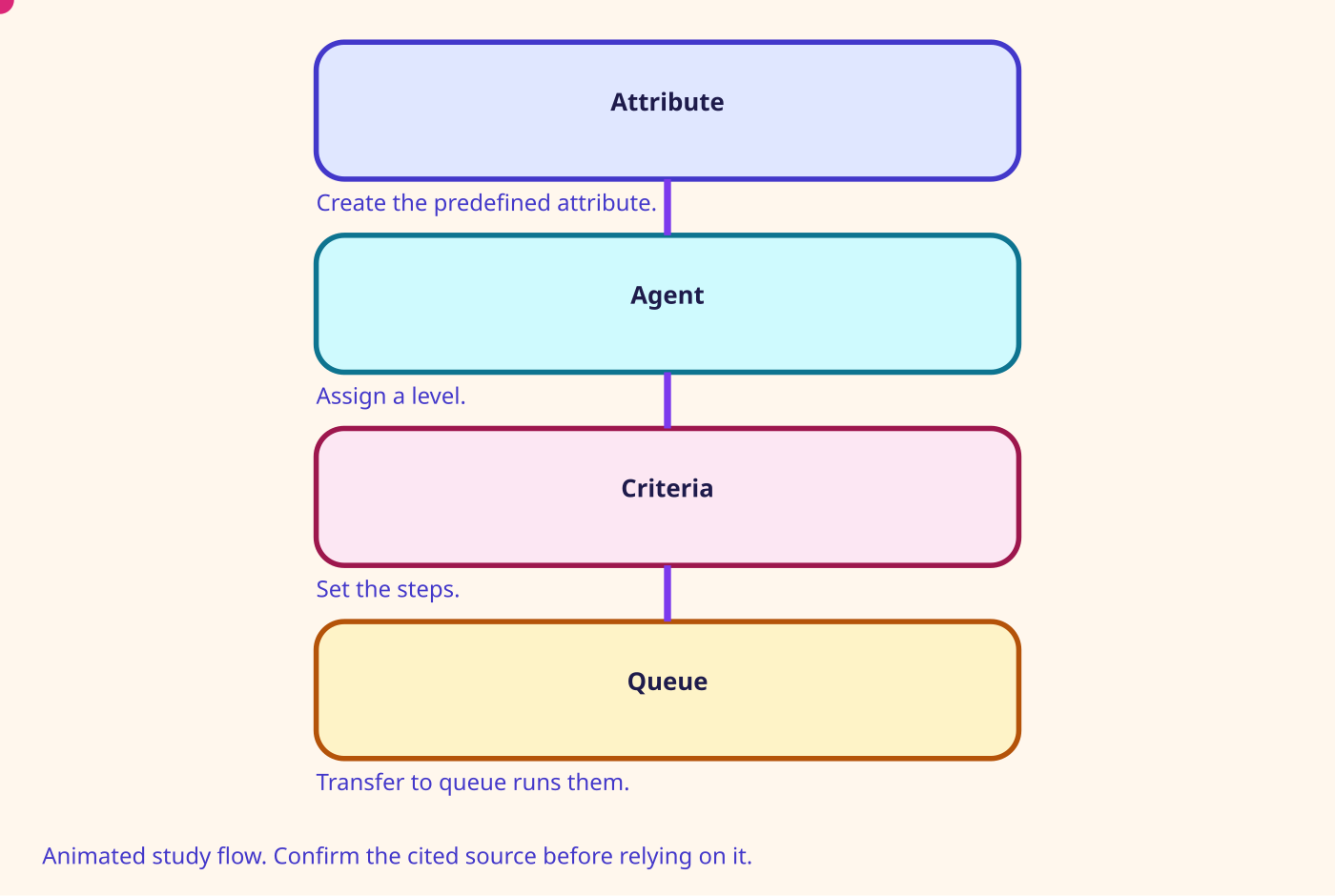
The proficiency page lists four steps: create predefined attributes, assign them to agents, set routing criteria, then transfer the contact to a queue. Connect runs the criteria only after the contact is enqueued. That page says queues are still necessary, and that priority and delay still work as they do without proficiencies.
Its worked example looks for French and AWS DynamoDB, then relaxes the levels on later steps. It says those 30-second step lengths are illustrative. For a compliance case the same page documents a Never Expire option so the joined agent meets a minimum.
- Proficiency routing is documented for voice, chat, task, and email.
- AND and OR are the Boolean operators. Comparison is >=, or a range of levels from 1 to 5.
- The same attribute cannot appear more than once in one expression.
- A custom predefined-attribute name cannot start with aws: or connect:.
Number on this page: Record 3. Latest routing-criteria updates stored on the contact record
Confirm before relying. Prices, quotas, and exam names change. Use the source linked on this page.
Glossary
- Working queue The queue selected by Set working queue. Transfer to queue uses it.
- Routing profile The list of queues an agent can receive, with channel concurrency, priority, and delay.
- Priority A number on a queue inside a routing profile. A lower number is served first.
- Delay Seconds a contact must wait before an agent with that profile can receive it.
Mind map
Open the Routing mind map
Sister technologies
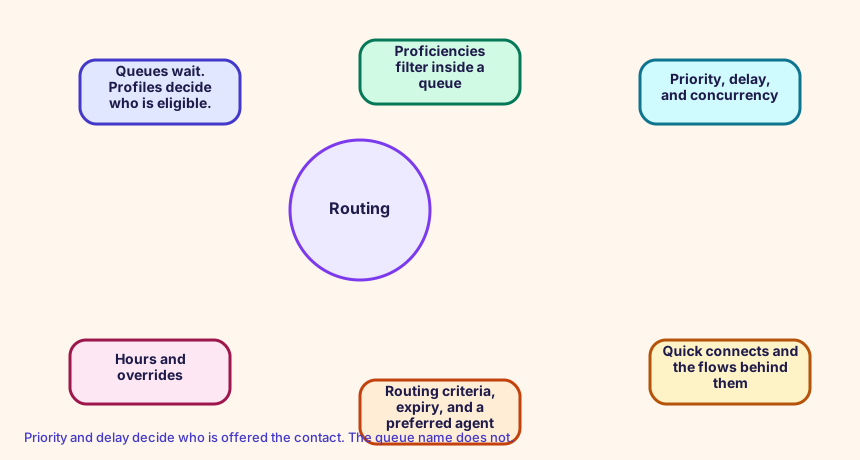
Priority and delay decide who is offered the contact. The queue name does not.
Config and troubleshooting
Deleting the queue because a proficiency should be enough. The criteria never runs until the contact is in a queue.
Priority and delay live on the routing profile queue config, not on the queue name. Lower priority is offered first. Delay holds that queue back.
HoursOfOperation Queue RoutingProfile
CloudFormation study snippet
Resources:
  OfficeHours:
    Type: AWS::Connect::HoursOfOperation
    Properties:
      InstanceArn: !GetAtt CampusInstance.Arn
      Name: OfficeHours
      TimeZone: America/Los_Angeles
      Config:
        - Day: MONDAY
          StartTime: { Hours: 8, Minutes: 0 }
          EndTime: { Hours: 18, Minutes: 0 }
  OrdersQueue:
    Type: AWS::Connect::Queue
    Properties:
      InstanceArn: !GetAtt CampusInstance.Arn
      Name: Orders
      HoursOfOperationArn: !GetAtt OfficeHours.HoursOfOperationArn
  BasicProfile:
    Type: AWS::Connect::RoutingProfile
    Properties:
      InstanceArn: !GetAtt CampusInstance.Arn
      Name: Basic
      DefaultOutboundQueueArn: !GetAtt OrdersQueue.QueueArn
      MediaConcurrencies:
        - Channel: VOICE
          Concurrency: 1
      QueueConfigs:
        - QueueReference: { QueueArn: !GetAtt OrdersQueue.QueueArn, Channel: VOICE }
          Priority: 1
          Delay: 0
Integration map
Join records on ContactId. The integration map room lists the seams.
Cross-platform bridges
A CUCM calling search space is not a routing profile, but the profile is the closest idea of 'who can receive what'. A partition is not a Connect object. A UCCX CSQ and a UCCE skill group map to a queue. Precision steps map to routing criteria. A script, an Architect flow, and an Avaya vector map to a contact flow.
Open the mapping room
Future hooks
Hooks you can adopt later: EventBridge contact events, the CTR stream, agent events, Kinesis Video, Customer Profiles events, Cases, Show view, data tables, External Tool, and the flow language JSON in your pipeline. Live Sync and Agentic CX are the 2026 hooks for guided and agentic experiences.