Learn it in 5 minutes
HTMLAbout five minutes of reading
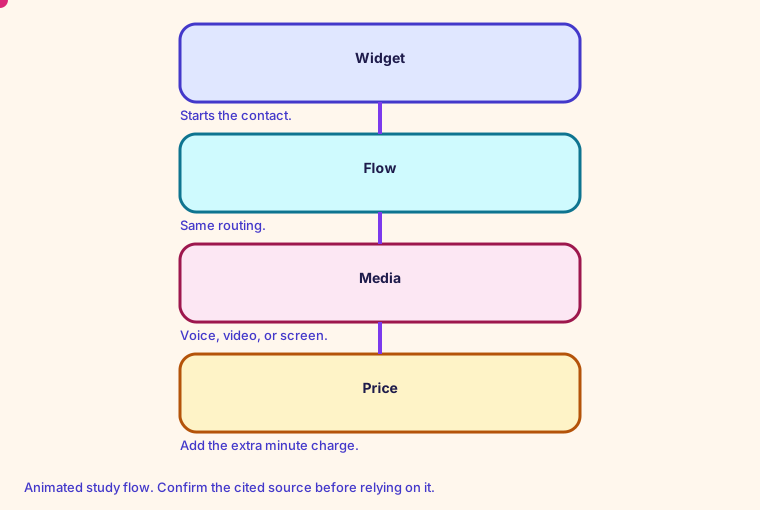
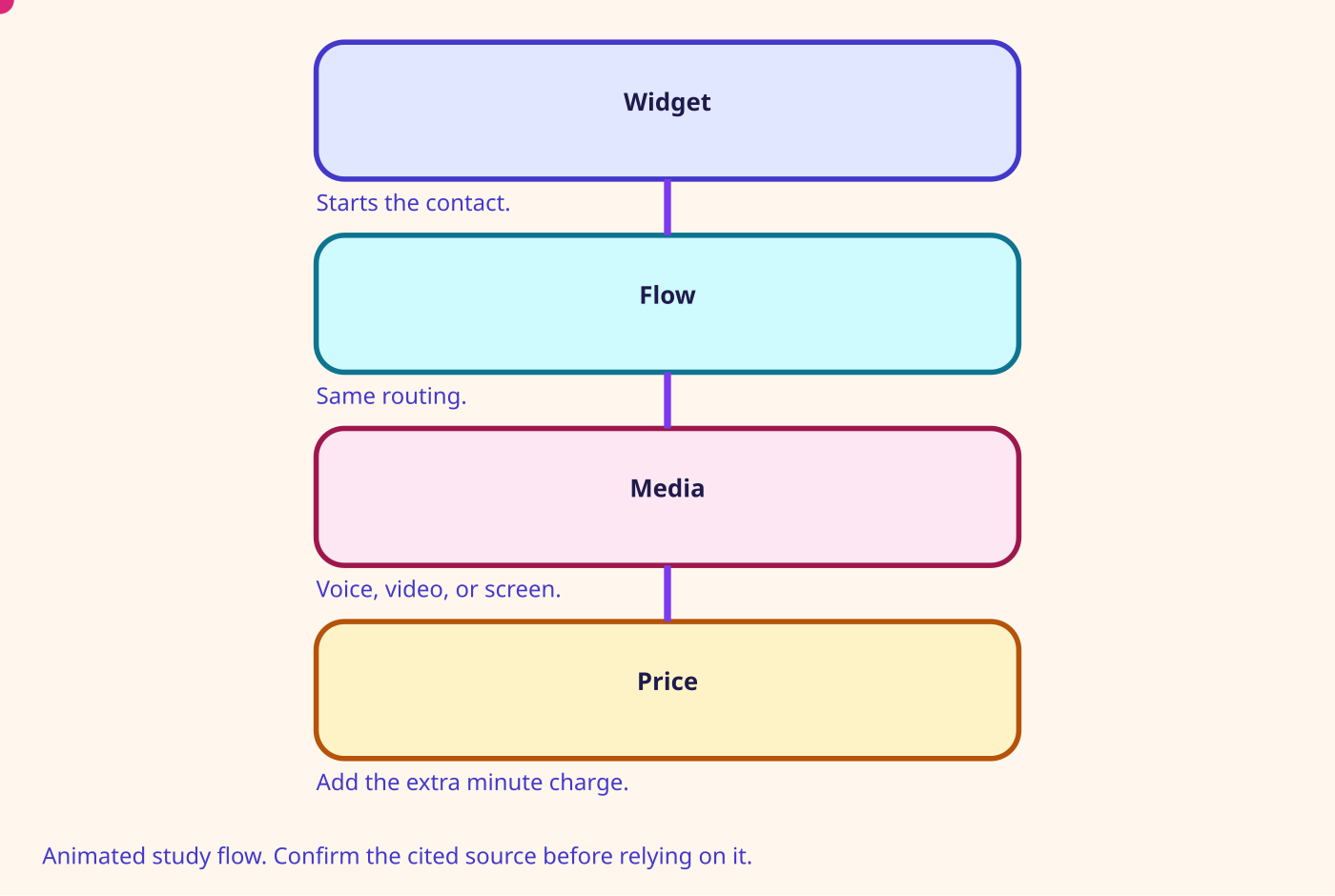
The customer does not dial. The widget starts a contact. You still pay for voice minutes plus the media type.
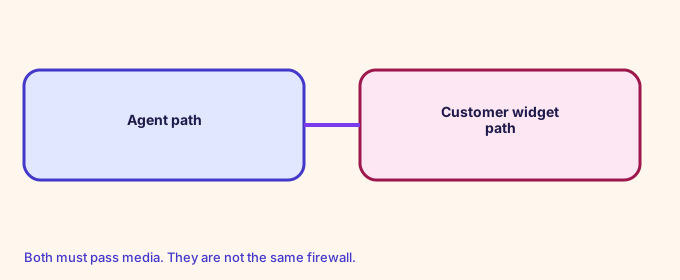
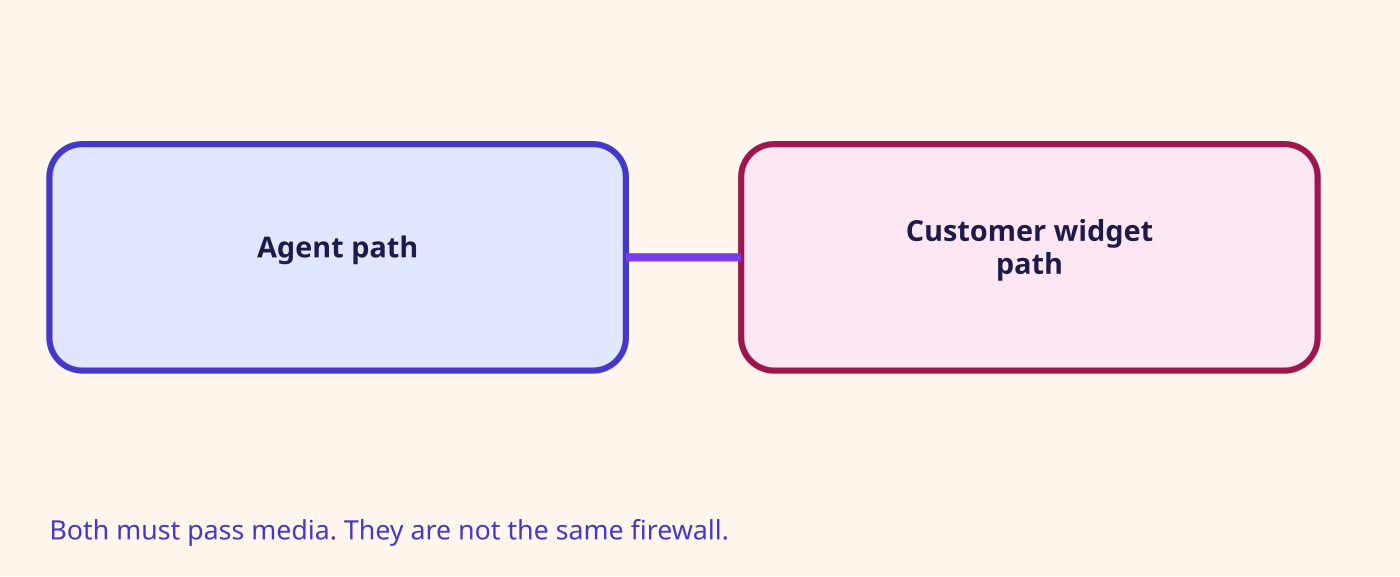
In-app and web audio is 0.010 USD per minute on top of the voice service charge. Video is 0.015 USD per minute per participant. Screen sharing is 0.015 USD per minute. The customer's widget and the agent's workstation have different network requirements. Video adds *.chime.aws and does not support VDI.
The flow is still a flow. Attributes still matter. The difference is the endpoint.
- Allow the widget origin.
- Test the customer network, not only the agent's.
- A video failure with working audio is a Chime path problem.
- Record the fact that video was used. It changes the price and the privacy notice.
Number on this page: Web audio $0.010. Per minute, on top of voice
Confirm before relying. Prices, quotas, and exam names change. Use the source linked on this page.
Glossary
- Outbound campaign Proactive voice, SMS, or email. The name replaced high-volume outbound communications on 20 Jun 2022. Voice minutes are 0.045 USD on Connect Customer.
- Check call progress The block that branches on answering-machine detection. Campaign flows only.
- Persistent chat A chat that can go quiet without holding a concurrent-chat slot the way an abandoned idle chat does.
- WhatsApp A third-party messaging channel counted inside the concurrent chat quota. Connect Customer prices the message at 0.014 USD before delivery fees.
Mind map
Open the Channels and campaigns mind map
Sister technologies
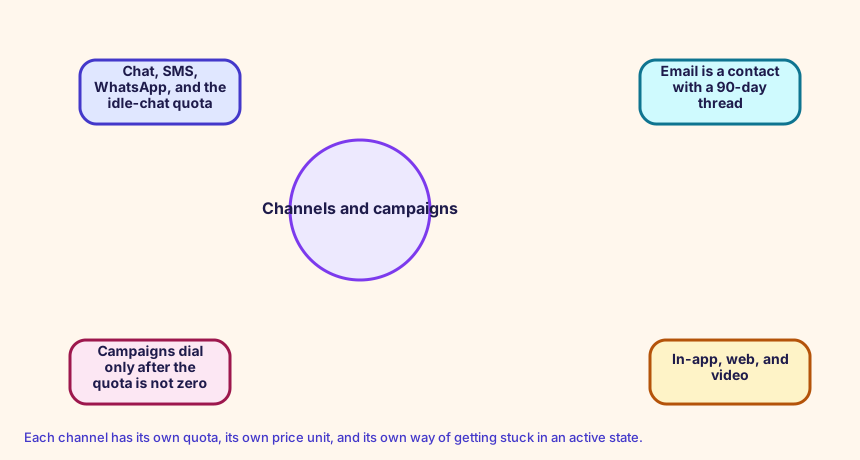
Each channel has its own quota, its own price unit, and its own way of getting stuck in an active state.
Config and troubleshooting
Assuming the CCP allow list covers the customer's browser.
Chat, SMS, WhatsApp, and email do not share the voice concurrency of 1. Set MediaConcurrencies for the channel you are opening. Quotas for concurrent chats are still an instance limit.
RoutingProfile
CloudFormation study snippet
Resources:
  ChatProfile:
    Type: AWS::Connect::RoutingProfile
    Properties:
      InstanceArn: !GetAtt CampusInstance.Arn
      Name: ChatAndVoice
      DefaultOutboundQueueArn: !GetAtt OrdersQueue.QueueArn
      MediaConcurrencies:
        - Channel: VOICE
          Concurrency: 1
        - Channel: CHAT
          Concurrency: 2
Integration map
Join records on ContactId. The integration map room lists the seams.
Cross-platform bridges
A CUCM calling search space is not a routing profile, but the profile is the closest idea of 'who can receive what'. A partition is not a Connect object. A UCCX CSQ and a UCCE skill group map to a queue. Precision steps map to routing criteria. A script, an Architect flow, and an Avaya vector map to a contact flow.
Open the mapping room
Future hooks
Hooks you can adopt later: EventBridge contact events, the CTR stream, agent events, Kinesis Video, Customer Profiles events, Cases, Show view, data tables, External Tool, and the flow language JSON in your pipeline. Live Sync and Agentic CX are the 2026 hooks for guided and agentic experiences.