Learn it in 5 minutes
HTMLAbout five minutes of reading
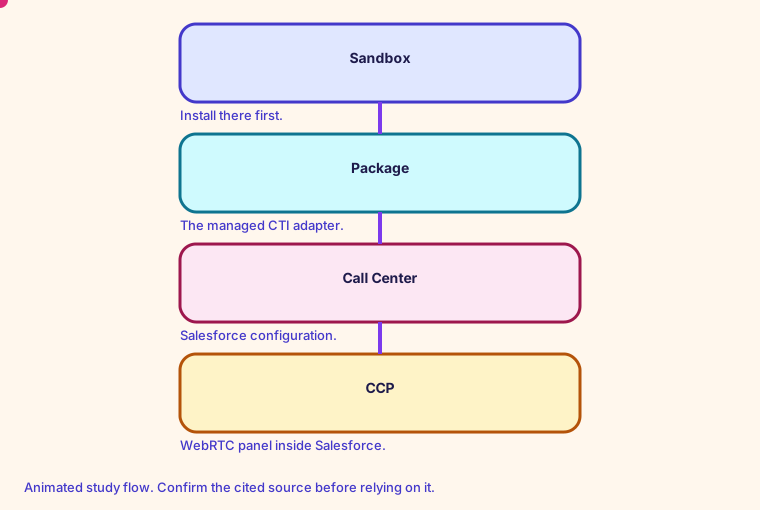
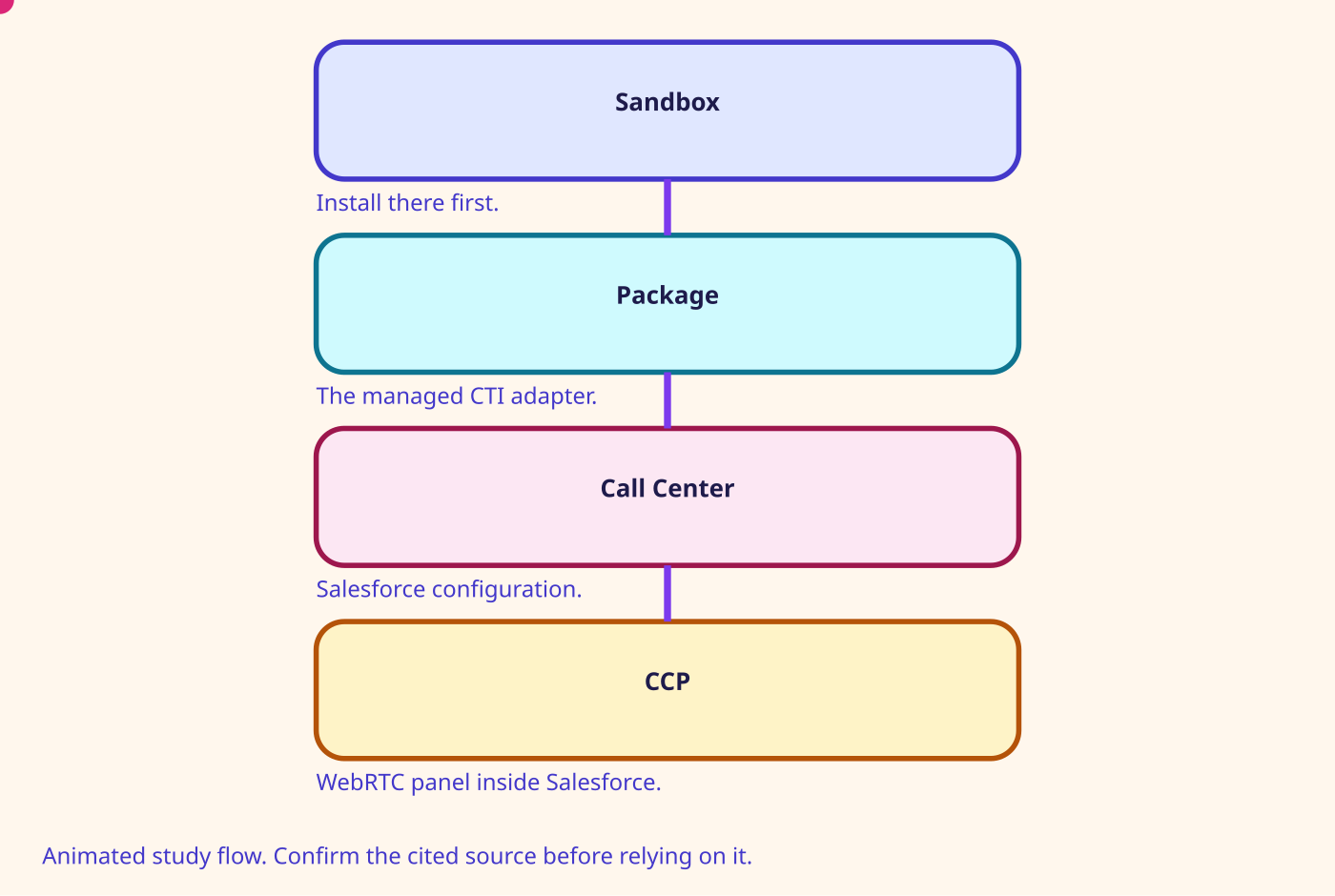
The admin guide's Salesforce page is a Contact Control Panel inside Salesforce, installed in a sandbox first.
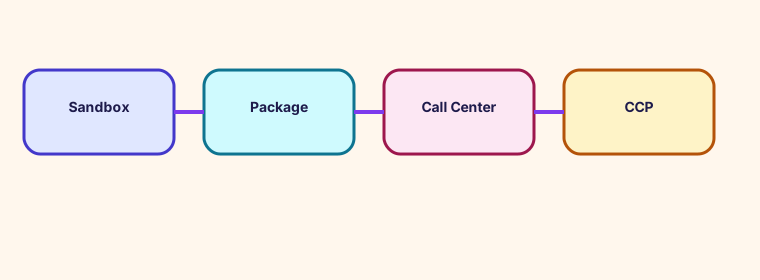
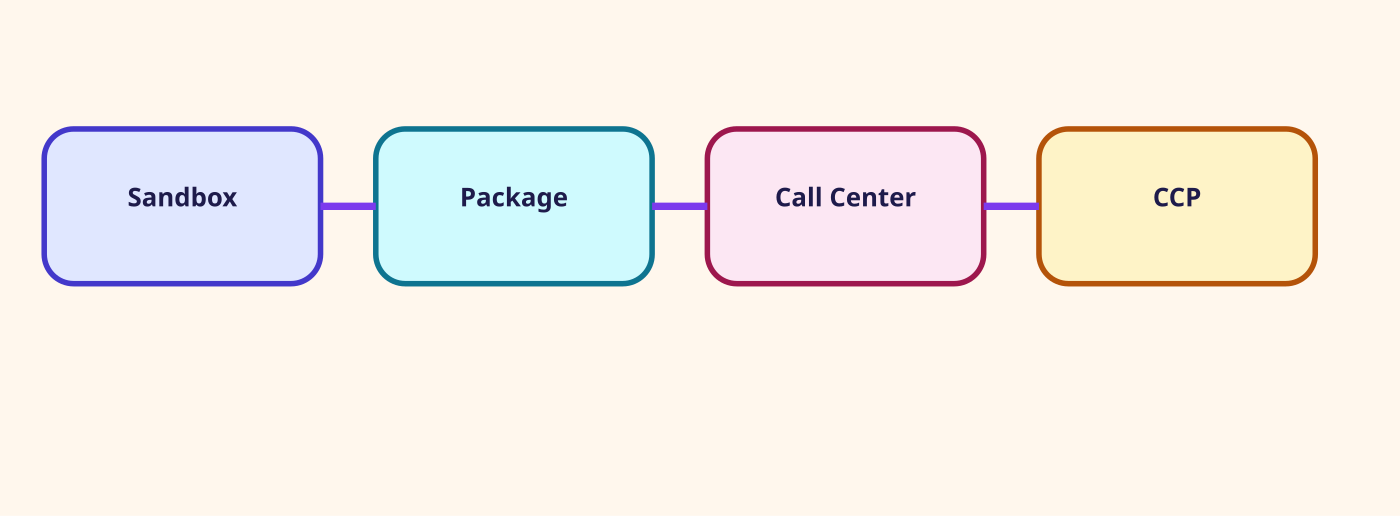
That page says the CTI Adapter's core job is a WebRTC Contact Control Panel within Salesforce. It says the integration has two components. It says to install the package in a Salesforce sandbox first, then configure the Salesforce Call Center.
The public repository amazon-connect-salesforce-cti is the documentation home named for that adapter. This room stops at those two pages.
- The softphone in the embed is the Connect CCP.
- Sandbox first. Production is a later copy of a configuration you have already tried.
- The page points at separate installation guides for Lightning and for Classic.
- This room does not invent screen-pop fields. Read the adapter guide before you promise a pop.
Number on this page: First install Sandbox. Then configure the Call Center
Confirm before relying. Prices, quotas, and exam names change. Use the source linked on this page.
Glossary
- Salesforce CTI Adapter A managed package plus a serverless app that embeds the CCP in Salesforce.
- SCC-AC Salesforce Contact Center with Amazon Connect. Voice stays on Connect. Messaging can be Connect or Salesforce.
- ServiceNow Voice The ServiceNow integration that imports flows, maps queues to Advanced Work Assignment, and can attach AI voice agents.
- Teams chat bridge A published pattern: a Teams app, Azure Bot Service, API Gateway, Lambda, and StartChatContact. It is chat, not a phone trunk.
Mind map
Open the Integrations mind map
Sister technologies
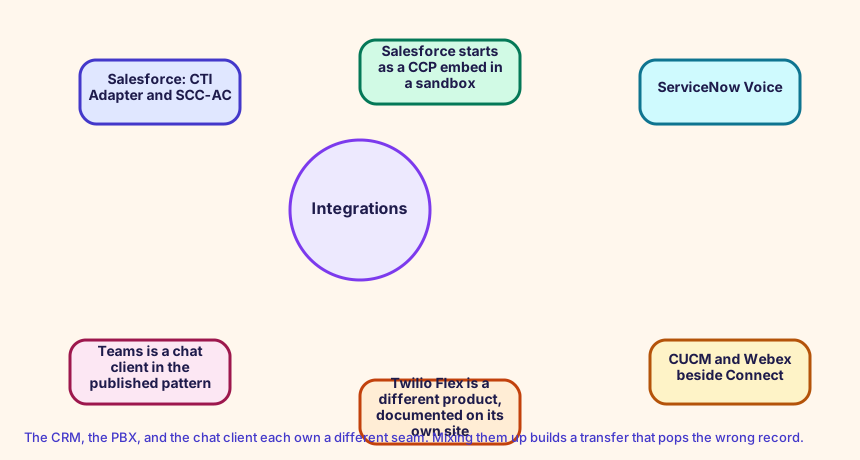
The CRM, the PBX, and the chat client each own a different seam. Mixing them up builds a transfer that pops the wrong record.
Config and troubleshooting
Installing the package in the production org on the first try.
Salesforce and ServiceNow do not receive contact attributes unless you write them and call out. The association is what lets the flow invoke the function that sets the customer id.
IntegrationAssociation Lambda functions
CloudFormation study snippet
Resources:
  PopAssociation:
    Type: AWS::Connect::IntegrationAssociation
    Properties:
      InstanceId: !GetAtt CampusInstance.Id
      IntegrationType: LAMBDA_FUNCTION
      IntegrationArn: !GetAtt ScreenPop.Arn
Integration map
Join records on ContactId. The integration map room lists the seams.
Cross-platform bridges
A CUCM calling search space is not a routing profile, but the profile is the closest idea of 'who can receive what'. A partition is not a Connect object. A UCCX CSQ and a UCCE skill group map to a queue. Precision steps map to routing criteria. A script, an Architect flow, and an Avaya vector map to a contact flow.
Open the mapping room
Future hooks
Hooks you can adopt later: EventBridge contact events, the CTR stream, agent events, Kinesis Video, Customer Profiles events, Cases, Show view, data tables, External Tool, and the flow language JSON in your pipeline. Live Sync and Agentic CX are the 2026 hooks for guided and agentic experiences.