Learn it in 5 minutes
HTMLAbout five minutes of reading
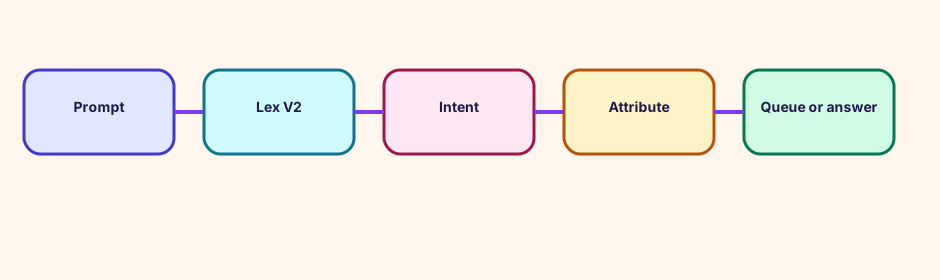
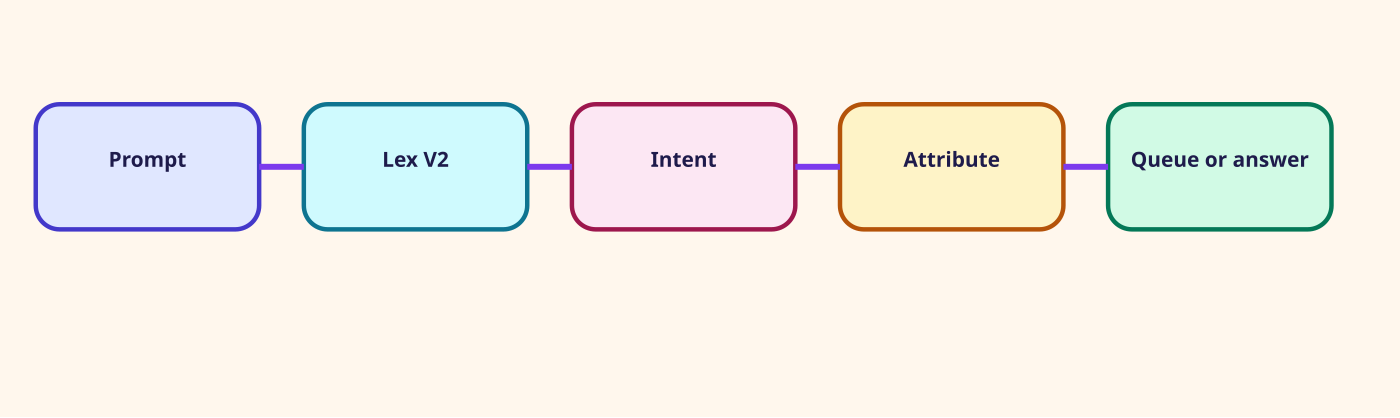
There is no separate 'Lex block' to hunt for. Get customer input is where the bot is selected.
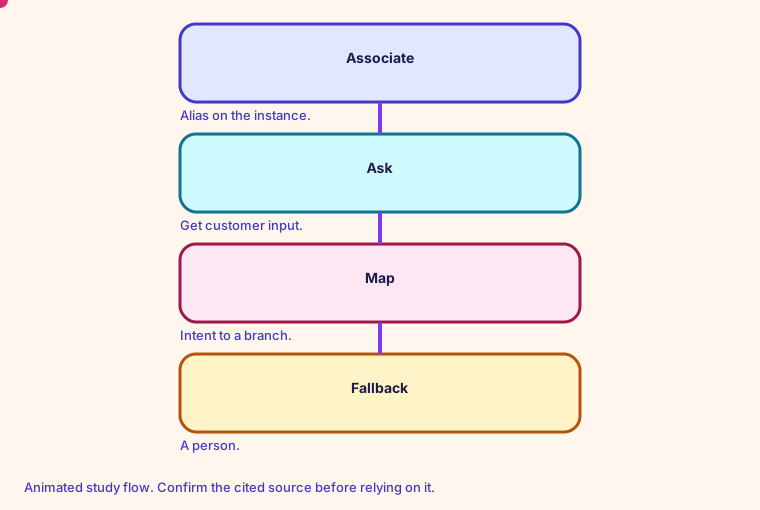
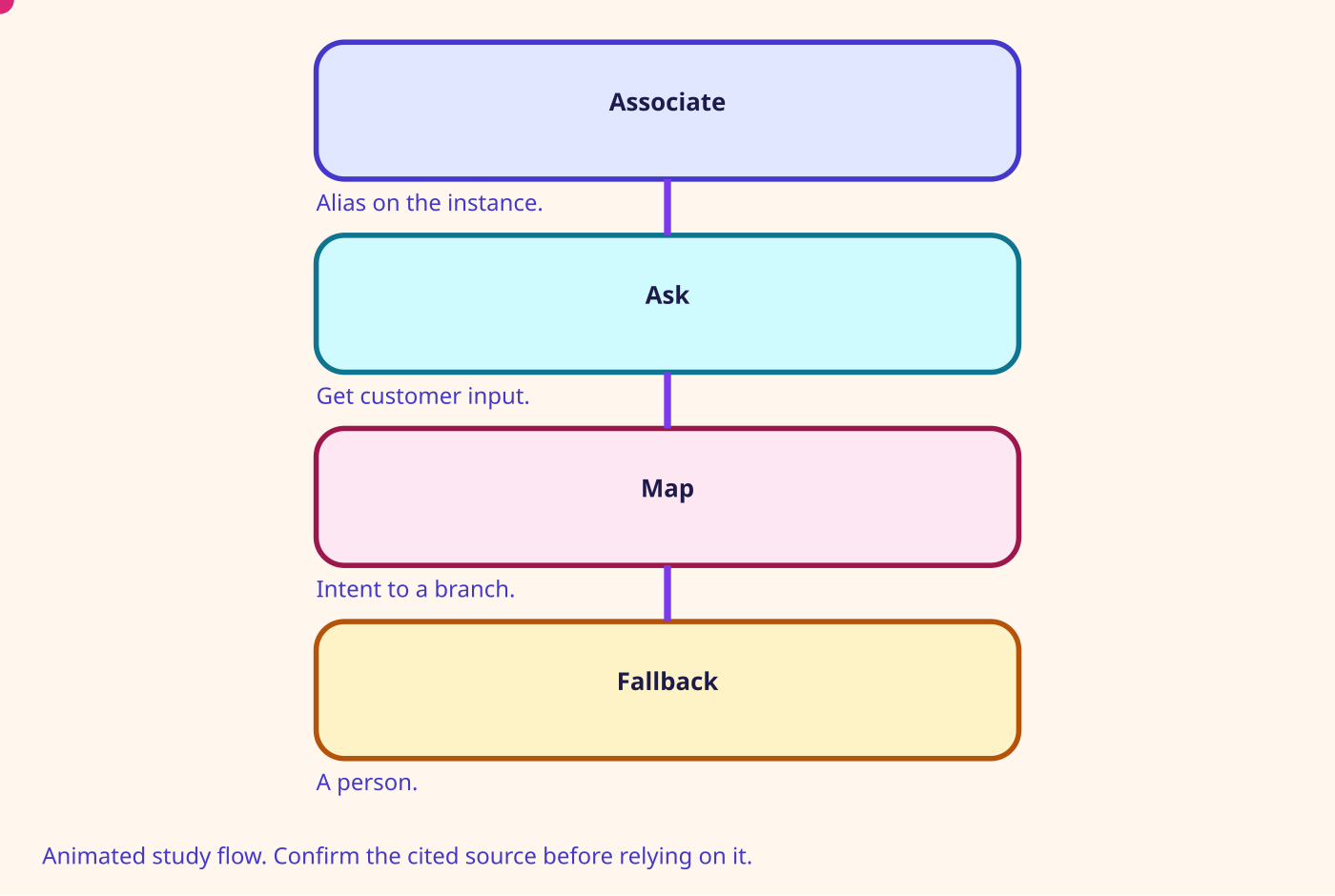
You associate a Lex V2 bot alias with the instance, often with aws_connect_bot_association or the console, and then the block chooses that alias. The default quota is 70 bots and 100 V2 aliases.
On Connect Customer the worked pricing example charges 0 USD for the Lex speech requests themselves. You still pay for the voice minutes.
- Branch on the intent name you configured, not on the sentence the caller said.
- Slots are empty when the caller hangs up mid-prompt. Handle that.
- DTMF and speech can both fill a slot. Test both.
- A fallback intent should reach a person or a callback.
Number on this page: Lex charge $0. Speech requests in the Connect Customer example
Confirm before relying. Prices, quotas, and exam names change. Use the source linked on this page.
Glossary
- Lex V2 The bot service Get customer input calls. Connect stores intent and slots on the contact.
- Intent What Lex thinks the caller wants. The flow branches on it.
- Slot A value Lex fills, such as an order id. The flow copies it into an attribute.
- Terraform aws_connect_bot_association Attaches a Lex V2 alias to the instance. The flow still has to select that alias.
Mind map
Open the Lex V2 mind map
Sister technologies
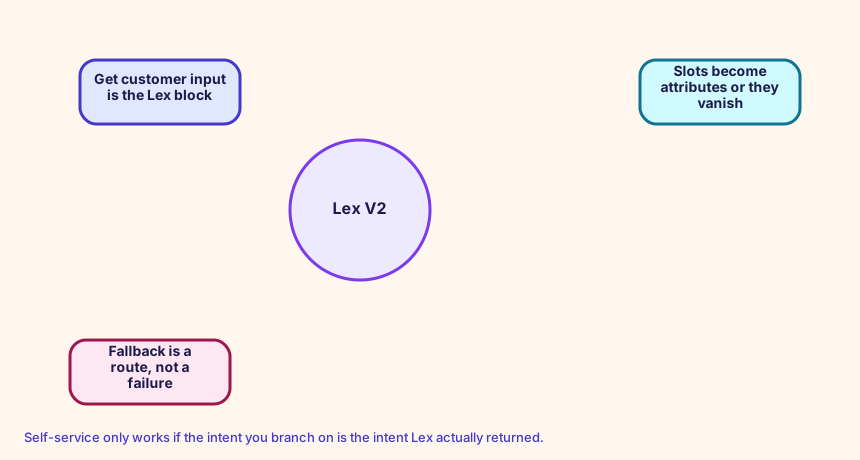
Self-service only works if the intent you branch on is the intent Lex actually returned.
Config and troubleshooting
Building the bot in Lex and forgetting to associate the alias with the instance.
The bot must be associated with the instance before Get customer input can select it. IntegrationType is LEX_BOT and IntegrationArn is the alias ARN.
IntegrationAssociation Lex in Connect
CloudFormation study snippet
Resources:
  LexAlias:
    Type: AWS::Connect::IntegrationAssociation
    Properties:
      InstanceId: !GetAtt CampusInstance.Id
      IntegrationType: LEX_BOT
      IntegrationArn: arn:aws:lex:us-west-2:123456789012:bot-alias/BOTID/ALIASID
Integration map
Join records on ContactId. The integration map room lists the seams.
Cross-platform bridges
A CUCM calling search space is not a routing profile, but the profile is the closest idea of 'who can receive what'. A partition is not a Connect object. A UCCX CSQ and a UCCE skill group map to a queue. Precision steps map to routing criteria. A script, an Architect flow, and an Avaya vector map to a contact flow.
Open the mapping room
Future hooks
Hooks you can adopt later: EventBridge contact events, the CTR stream, agent events, Kinesis Video, Customer Profiles events, Cases, Show view, data tables, External Tool, and the flow language JSON in your pipeline. Live Sync and Agentic CX are the 2026 hooks for guided and agentic experiences.