Learn it in 5 minutes
HTMLAbout five minutes of reading
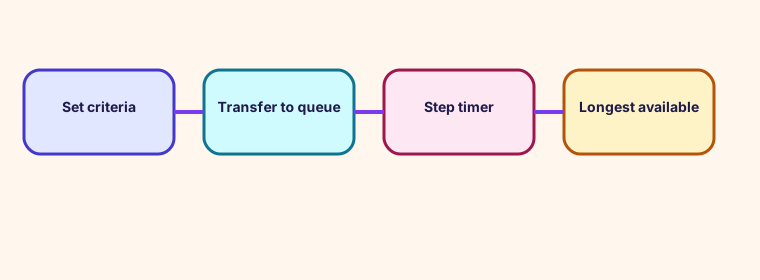
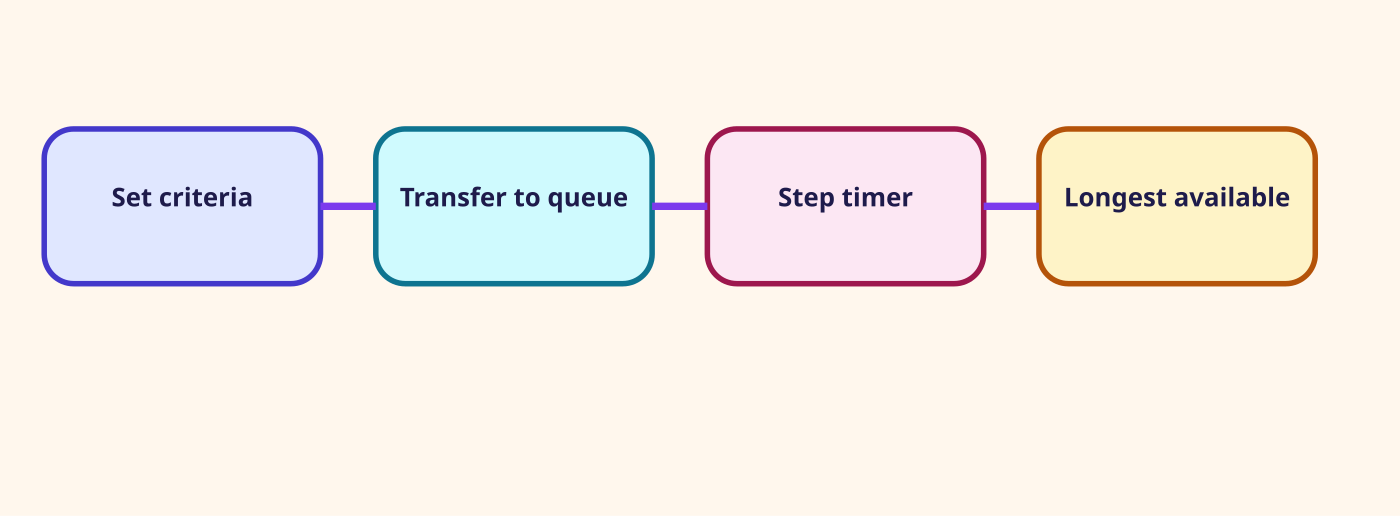
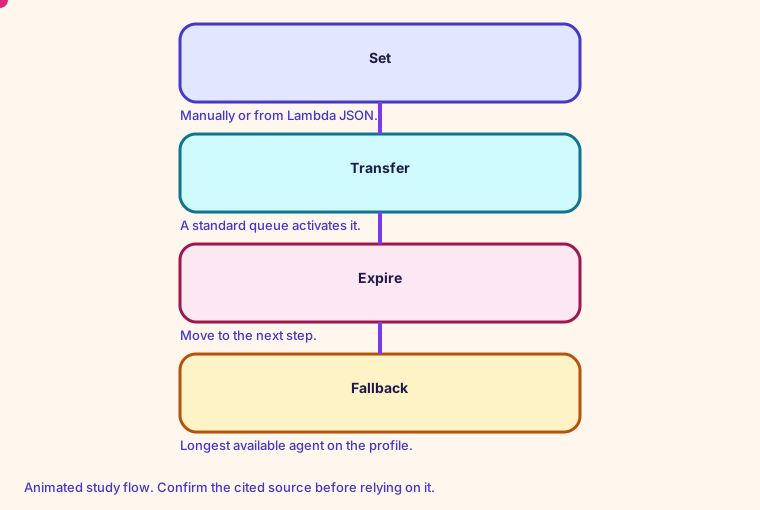
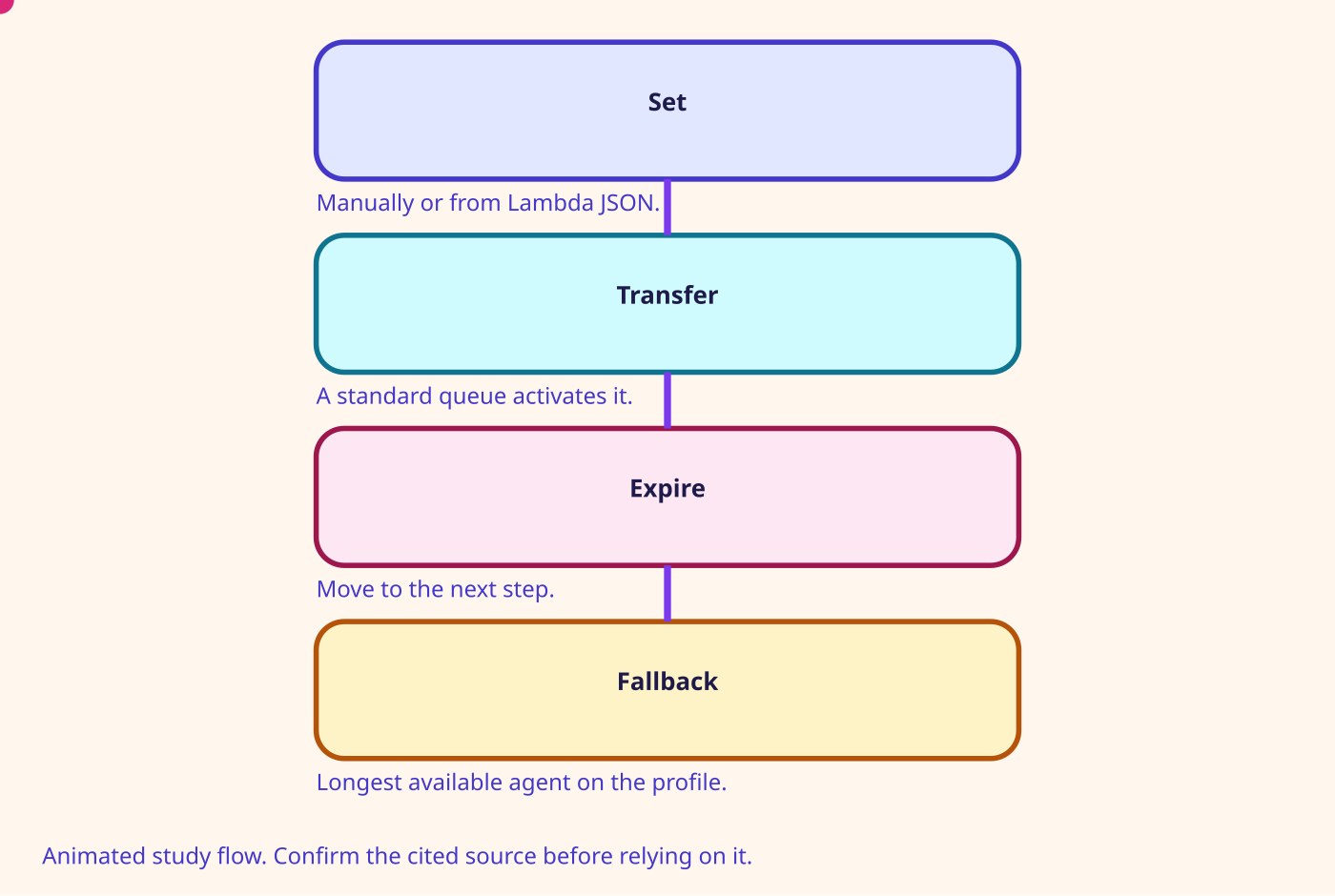
Set routing criteria does nothing until Transfer to queue, and it does nothing inside an agent queue.
The block puts an ordered list of steps on a contact of any channel. Each step is one or more requirements. You can use the block in an inbound flow, a customer queue flow, a transfer-to-agent flow, or a transfer-to-queue flow. After every timed step expires, Connect offers the contact to the longest available agent who has that queue on a routing profile.
A step can name preferred agents by user ID, up to 10. The contact stays limited to those agents until the timer ends, even if an agent is offline, busy, in a custom status, or deleted. After a Customer Profiles lookup you can point a step at $.Customer.CalculatedAttributes._last_agent_id.
- An AND step can use up to eight attributes. An OR step can use up to three conditions, and only when you set the criteria dynamically.
- NOT is also dynamic only. OR sits at the top. AND can sit inside OR.
- Each step needs a timer. The last step may be set never to expire.
- A very short DurationInSeconds can let ordinary queue routing compete with the proficiency step.
Number on this page: Preferred 10. Maximum agents in one preferred-agent step
Glossary
- Working queue The queue selected by Set working queue. Transfer to queue uses it.
- Routing profile The list of queues an agent can receive, with channel concurrency, priority, and delay.
- Priority A number on a queue inside a routing profile. A lower number is served first.
- Delay Seconds a contact must wait before an agent with that profile can receive it.
Mind map
Open the Routing mind map
Sister technologies
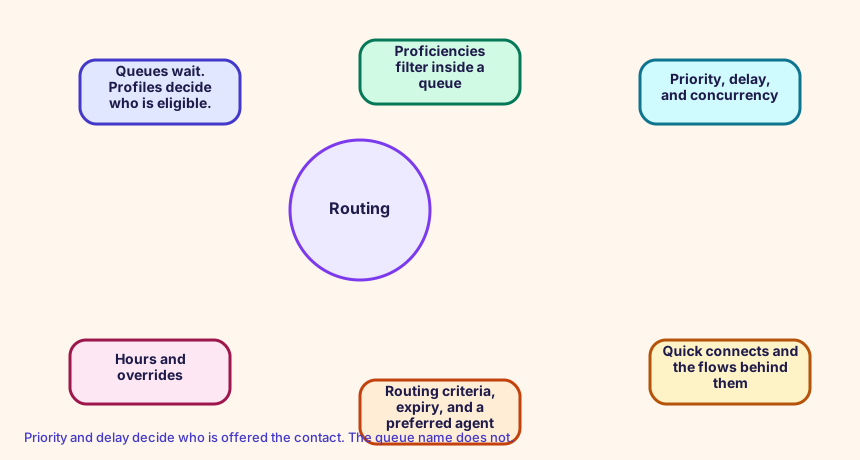
Priority and delay decide who is offered the contact. The queue name does not.
Config and troubleshooting
Expecting the criteria to follow the contact into an agent queue. The block page says it does not take effect there.
Priority and delay live on the routing profile queue config, not on the queue name. Lower priority is offered first. Delay holds that queue back.
HoursOfOperation Queue RoutingProfile
CloudFormation study snippet
Resources:
  OfficeHours:
    Type: AWS::Connect::HoursOfOperation
    Properties:
      InstanceArn: !GetAtt CampusInstance.Arn
      Name: OfficeHours
      TimeZone: America/Los_Angeles
      Config:
        - Day: MONDAY
          StartTime: { Hours: 8, Minutes: 0 }
          EndTime: { Hours: 18, Minutes: 0 }
  OrdersQueue:
    Type: AWS::Connect::Queue
    Properties:
      InstanceArn: !GetAtt CampusInstance.Arn
      Name: Orders
      HoursOfOperationArn: !GetAtt OfficeHours.HoursOfOperationArn
  BasicProfile:
    Type: AWS::Connect::RoutingProfile
    Properties:
      InstanceArn: !GetAtt CampusInstance.Arn
      Name: Basic
      DefaultOutboundQueueArn: !GetAtt OrdersQueue.QueueArn
      MediaConcurrencies:
        - Channel: VOICE
          Concurrency: 1
      QueueConfigs:
        - QueueReference: { QueueArn: !GetAtt OrdersQueue.QueueArn, Channel: VOICE }
          Priority: 1
          Delay: 0
Integration map
Join records on ContactId. The integration map room lists the seams.
Cross-platform bridges
A CUCM calling search space is not a routing profile, but the profile is the closest idea of 'who can receive what'. A partition is not a Connect object. A UCCX CSQ and a UCCE skill group map to a queue. Precision steps map to routing criteria. A script, an Architect flow, and an Avaya vector map to a contact flow.
Open the mapping room
Future hooks
Hooks you can adopt later: EventBridge contact events, the CTR stream, agent events, Kinesis Video, Customer Profiles events, Cases, Show view, data tables, External Tool, and the flow language JSON in your pipeline. Live Sync and Agentic CX are the 2026 hooks for guided and agentic experiences.