G.711 at 20 milliseconds is 160 bytes of payload.Add 40 bytes of IP, UDP, and RTP and the call is 80 kbit/s per direction at layer 3.Add an 18-byte Ethernet header and it is 87.2 kbit/s.G.729 at the same interval is 20 bytes of payload, 24 kbit/s at layer 3.
Silence suppression and a different packet interval change the average.Size the busy hour at the packetization you actually configure, in both directions, for the concurrent calls you actually expect.A yearly average divided by eight is not a busy hour.
Count headers.G.711 at 20 milliseconds is 80 kilobits per second at layer 3, 87.2 with Ethernet.
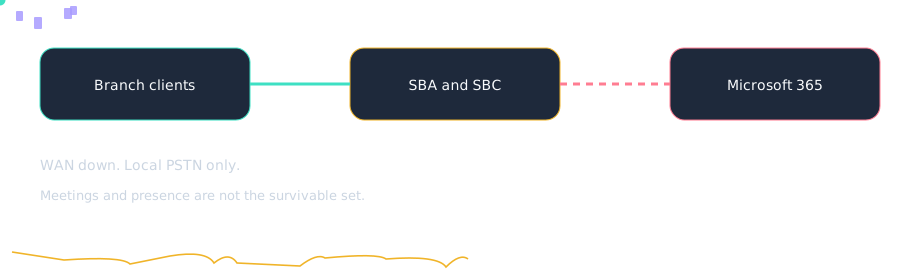
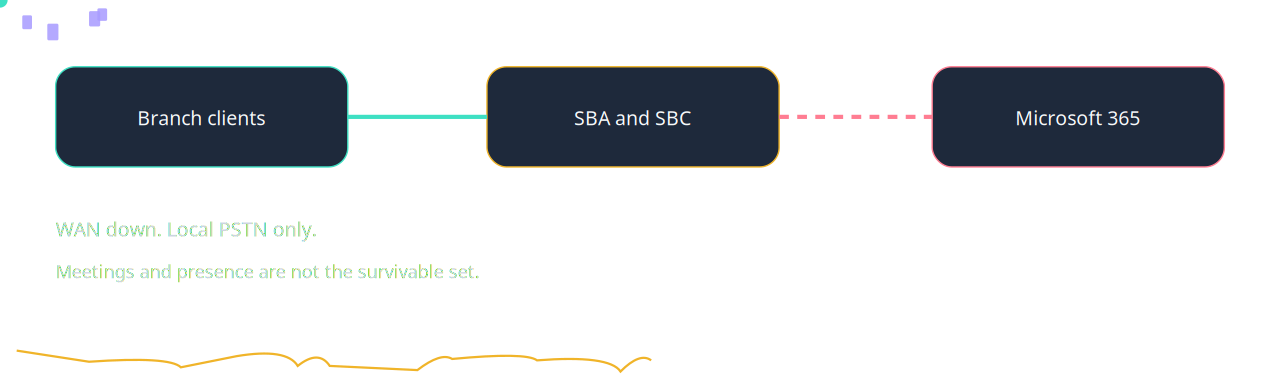
What remains when the path to Microsoft 365 drops. Lesson: Bandwidth you can calculate.Computed from the header formula. One direction. Counts in this drawing are teaching order, not customers.
A colleague reports: A branch hairpins through HQ and then out, adding hops and delay. Where do you start?
A branch hairpins through HQ and then out, adding hops and delay. Draw the path before you buy bandwidth. Source: https://learn.microsoft.com/en-us/microsoftteams/qos-in-teams accessed 2026-10-14.
Which description of Layer-3 G.711 is accurate?
G.711 at 20 ms is 160 bytes of payload plus 40 bytes of IP, UDP, and RTP. That is 80 kbit/s per direction. People quote 64 kbit/s and under-size the link. Source: https://learn.microsoft.com/en-us/microsoftteams/qos-in-teams accessed 2026-10-14.
A colleague reports: Thirty calls were planned at 64 kbit/s and the link saturated. Where do you start?
Thirty calls were planned at 64 kbit/s and the link saturated. Multiply by concurrent calls and by two directions when both ways are busy. Source: https://learn.microsoft.com/en-us/microsoftteams/qos-in-teams accessed 2026-10-14.
Shortest media path Microsoft’s network guidance prefers a short path to the Microsoft network, without a proxy in the media path. Config: Egress Teams media locally. Do not hairpin a branch through a distant data center unless you mean to. Fault: One city’s CQD is poor and the firewall team finds a proxy.
VPN and real-time media Microsoft recommends that you avoid sending real-time Teams media through a VPN. QoS on the VPN does not fix the extra delay. Config: Test a call on the VPN and off it before you blame the carrier. Fault: Every remote user shows high RTT and the office does not.
ExpressRoute is optional Teams does not require ExpressRoute. Local internet egress is the usual design. If you do use ExpressRoute, follow the current network article rather than assuming media is happier there. Config: Decide the path, then mark DSCP on the path you actually use. Fault: Media was forced onto a long private path and RTT jumped.
QoS markers enabled The Teams admin center setting that allows clients to insert DSCP. Without it, a correct ACL still sees unmarked client traffic from managed endpoints that honor the policy. Config: Turn the insert-markers setting on, then verify at the WAN edge. Fault: The network is marked and the clients were never told to mark.
Sister technologies
Around the call: compliance recording, workforce management, emergency location, analytics, CRM screen pop, and an agent with a human escape. Each one has its own failure.
Config and troubleshooting
Thirty calls were planned at 64 kbit/s and the policer drops the rest.
Cross-platform bridges
CUCM
Cisco CUBE is one of the SBC families named in this lab’s certification lesson. A certified release can be the Direct Routing SBC between Unified CM and Teams.
The tenant still needs a verified domain on the SBC FQDN, and the user still needs Teams Phone. The studio translator does not open a live AXL session. Confirm the current certified release before you build.
Webex
Teams Phone and Webex Calling are separate clouds. This lab does not describe a feature that registers a Webex Calling user into a Teams tenant.
A number move is usually a carrier port, a certified SBC, or a meetings interop product. Confirm before relying.
UCCE
Unified CCE stays the ACD until you migrate it. Microsoft’s contact-center articles name Connect, Extend, and Unify. They do not name a UCCE connector in the notes this lab cites.
Quality of service — Wikipedia — last checked 2026-10. Wikipedia fallback for background. Confirm the vendor page before you change a tenant
Microsoft Teams blog index — Community — last checked 2026-10. Community index for the Microsoft Teams blog. This is the index, not a claim that a post discusses this room