Order the messages.INVITE, 100, 180 or 183, 200, ACK, then later BYE.183 is early media, not an answer.488 means the SDP was refused.408 means something did not answer in time.503 means the hop is refusing service.487 often means the caller cancelled.
Join on Call-ID.Two calls that start in the same second are not the same call.Read the first non-success on the hop that sent it, then stop.Do not restart a healthy SBC because a 180 felt slow.
Follow one Call-ID.183 is not an answer.488 is codecs.503 is a hop refusing work.
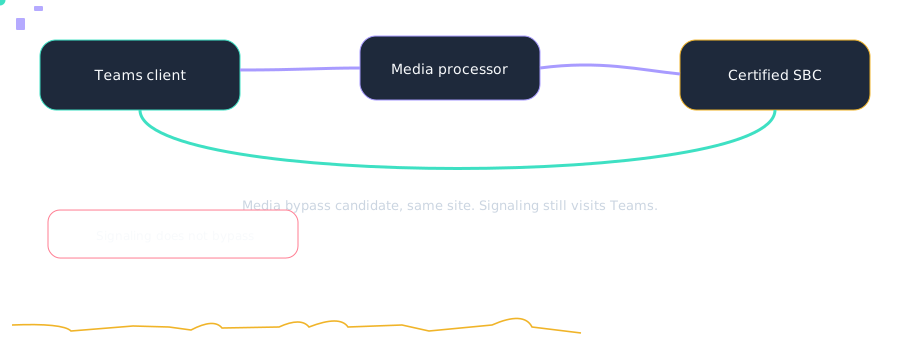
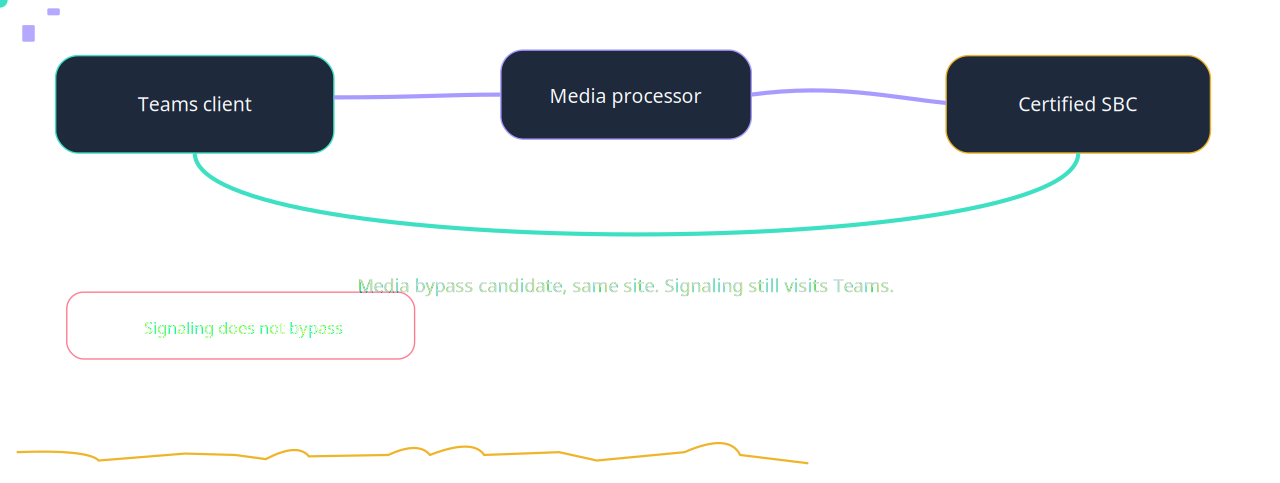
Two paths for Reading a ladder. RTP may skip the processor. SIP does not.Not a full SIP catalog. Counts in this drawing are teaching order, not customers.
A colleague reports: HQ looks terrible because the VPN pool was labeled HQ. Where do you start?
HQ looks terrible because the VPN pool was labeled HQ. Confirm the subnet-to-building map before you trust a building chart. Source: https://learn.microsoft.com/en-us/microsoftteams/cqd-what-is-call-quality-dashboard accessed 2026-10-14.
Which description of Poor stream clues is accurate?
Teach yourself to look at jitter, packet loss, and round-trip time separately. A mark of DSCP 0 plus high jitter is a different fault from 12% loss with EF still set. One ‘poor’ label hides the cause. Source: https://learn.microsoft.com/en-us/microsoftteams/cqd-what-is-call-quality-dashboard accessed 2026-10-14.
A colleague reports: The ticket says ‘Teams is down’ and loss is 0.2% with a 600 ms RTT. Where do you start?
The ticket says ‘Teams is down’ and loss is 0.2% with a 600 ms RTT. Capture at the egress and compare with CQD. Source: https://learn.microsoft.com/en-us/microsoftteams/cqd-what-is-call-quality-dashboard accessed 2026-10-14.
Call Analytics The per-user, per-call quality view in the Teams admin center. Use it when one person had one bad call. Config: Open the user’s call and read jitter, loss, and RTT on each stream. Fault: A site problem is hunted one user at a time.
Call Quality Dashboard The aggregate quality report. Use it for subnets, buildings, and trends. Config: Confirm the subnet-to-building map before you trust a building chart. Fault: HQ looks terrible because the VPN pool was labeled HQ.
Poor stream clues Teach yourself to look at jitter, packet loss, and round-trip time separately. A mark of DSCP 0 plus high jitter is a different fault from 12% loss with EF still set. Config: Capture at the egress and compare with CQD. Fault: The ticket says ‘Teams is down’ and loss is 0.2% with a 600 ms RTT.
SIP ladder A time-ordered picture of requests and responses between client, proxy, SBC, and carrier, joined by Call-ID. Config: Capture on the SBC, filter the Call-ID, and read the first non-success code. Fault: Two captures are compared and they are different calls.
Sister technologies
Around the call: compliance recording, workforce management, emergency location, analytics, CRM screen pop, and an agent with a human escape. Each one has its own failure.
Config and troubleshooting
Two captures are compared and they are different calls.
Cross-platform bridges
CUCM
Cisco CUBE is one of the SBC families named in this lab’s certification lesson. A certified release can be the Direct Routing SBC between Unified CM and Teams.
The tenant still needs a verified domain on the SBC FQDN, and the user still needs Teams Phone. The studio translator does not open a live AXL session. Confirm the current certified release before you build.
Webex
Teams Phone and Webex Calling are separate clouds. This lab does not describe a feature that registers a Webex Calling user into a Teams tenant.
A number move is usually a carrier port, a certified SBC, or a meetings interop product. Confirm before relying.
UCCE
Unified CCE stays the ACD until you migrate it. Microsoft’s contact-center articles name Connect, Extend, and Unify. They do not name a UCCE connector in the notes this lab cites.
Session Initiation Protocol — Wikipedia — last checked 2026-10. Wikipedia fallback for background. Confirm the vendor page before you change a tenant
Microsoft Teams blog index — Community — last checked 2026-10. Community index for the Microsoft Teams blog. This is the index, not a claim that a post discusses this room