If the work never reaches a queue, read classification and the route-to-queue rules, then the fallback queue.If it reaches the queue and the wrong person gets it, read the assignment method, presence, capacity, and skills.If the queue is staffed for the wrong interval, read the forecast scenario type before you edit the assignment method.If the conversation happened and the score is the dispute, read whether the plan used an indicator or a guardrail, and whether it ran in real time or on close.
Recording is the same habit.Check the Dynamics announcement and the Teams policy separately.None of these controls is an employment action.The assignment, forecast, and quality pages each say not to use them for compensation, rewards, seniority, or similar decisions.The chart is the order you check.It is not a count of incidents.
Check classification, then assignment, then the forecast type, then the quality plan.Recording stays two controls.
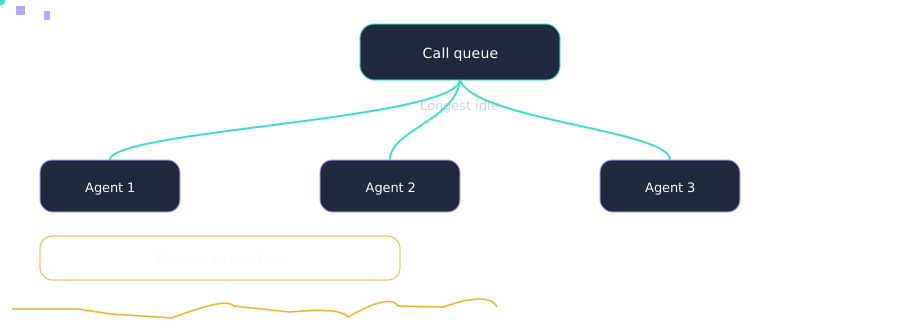
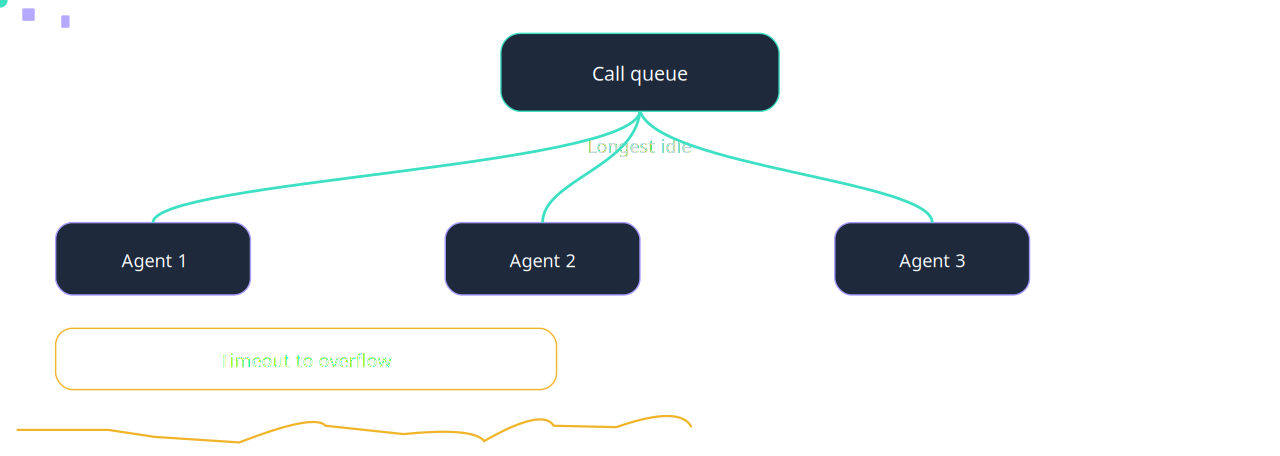
Longest idle distribution for Which control failed. Overflow is a configured target.Sequence. Not an incident count. Counts in this drawing are teaching order, not customers.
Which description of Quality evaluation plan is accurate?
The quality and coaching page, which applies to Dynamics 365 Contact Center only, says an evaluation plan sets the criteria, the conversations, the timing, and the actions. Frequency on that page is In real time or On conversation close. Sampling is a percentage of matching conversations. Source: https://learn.microsoft.com/en-us/dynamics365/contact-center/administer/configure-quality-coach accessed 2026-10-14.
A colleague reports: A plan is activated before any indicator exists in the quality library. Where do you start?
A plan is activated before any indicator exists in the quality library. The page names the Omnichannel Administrator role, plus consumption-based billing and capacity. It says not to use the feature for employment decisions. Source: https://learn.microsoft.com/en-us/dynamics365/contact-center/administer/configure-quality-coach accessed 2026-10-14.
Which description of Quality guardrail is accurate?
On the quality and coaching page, a guardrail defines a required or prohibited behavior. Guardrails are evaluated for violations rather than assigned numeric scores, and each has a priority. Indicators are the scored questions. A guardrail is not an indicator. Source: https://learn.microsoft.com/en-us/dynamics365/contact-center/administer/configure-quality-coach accessed 2026-10-14.
Least active assignment The assignment-methods page says least active is available for voice and messaging only, and is the default selection when you create a voice or messaging queue. Config: The page says the last-capacity-release data is in msdyn_agentchannelstate. It also says not to use the feature for employment decisions. Fault: Least active is promised on a record queue.
Quality evaluation plan The quality and coaching page, which applies to Dynamics 365 Contact Center only, says an evaluation plan sets the criteria, the conversations, the timing, and the actions. Config: The page names the Omnichannel Administrator role, plus consumption-based billing and capacity. It says not to use the feature for employment decisions. Fault: A plan is activated before any indicator exists in the quality library.
Quality guardrail On the quality and coaching page, a guardrail defines a required or prohibited behavior. Guardrails are evaluated for violations rather than assigned numeric scores, and each has a priority. Config: Set priority and optional nudge text, then activate the guardrail before you add it to a plan. Fault: A prohibited behavior is given a numeric score because the indicator form was copied.
Short-term forecast The forecasting overview says a short-term scenario predicts volume and average handle time in 15-minute intervals for a horizon of up to six weeks (42 days), using a linear trend on internal or external data. Config: The same page says a long-term scenario is daily, up to three years (1,096 days). Weighted average is marked preview. Fault: A six-week forecast is read as a daily three-year plan.
Sister technologies
Around the call: compliance recording, workforce management, emergency location, analytics, CRM screen pop, and an agent with a human escape. Each one has its own failure.
Config and troubleshooting
A forecast miss is debugged by rewriting the assignment rules.
Cross-platform bridges
CUCM
Cisco CUBE is one of the SBC families named in this lab’s certification lesson. A certified release can be the Direct Routing SBC between Unified CM and Teams.
The tenant still needs a verified domain on the SBC FQDN, and the user still needs Teams Phone. The studio translator does not open a live AXL session. Confirm the current certified release before you build.
Webex
Teams Phone and Webex Calling are separate clouds. This lab does not describe a feature that registers a Webex Calling user into a Teams tenant.
A number move is usually a carrier port, a certified SBC, or a meetings interop product. Confirm before relying.
UCCE
Unified CCE stays the ACD until you migrate it. Microsoft’s contact-center articles name Connect, Extend, and Unify. They do not name a UCCE connector in the notes this lab cites.